
Accessing Products
Click on Products in the sidebar to access the product management page. Here you can see all your products, filter by status, type, or category, and quickly access any product for editing.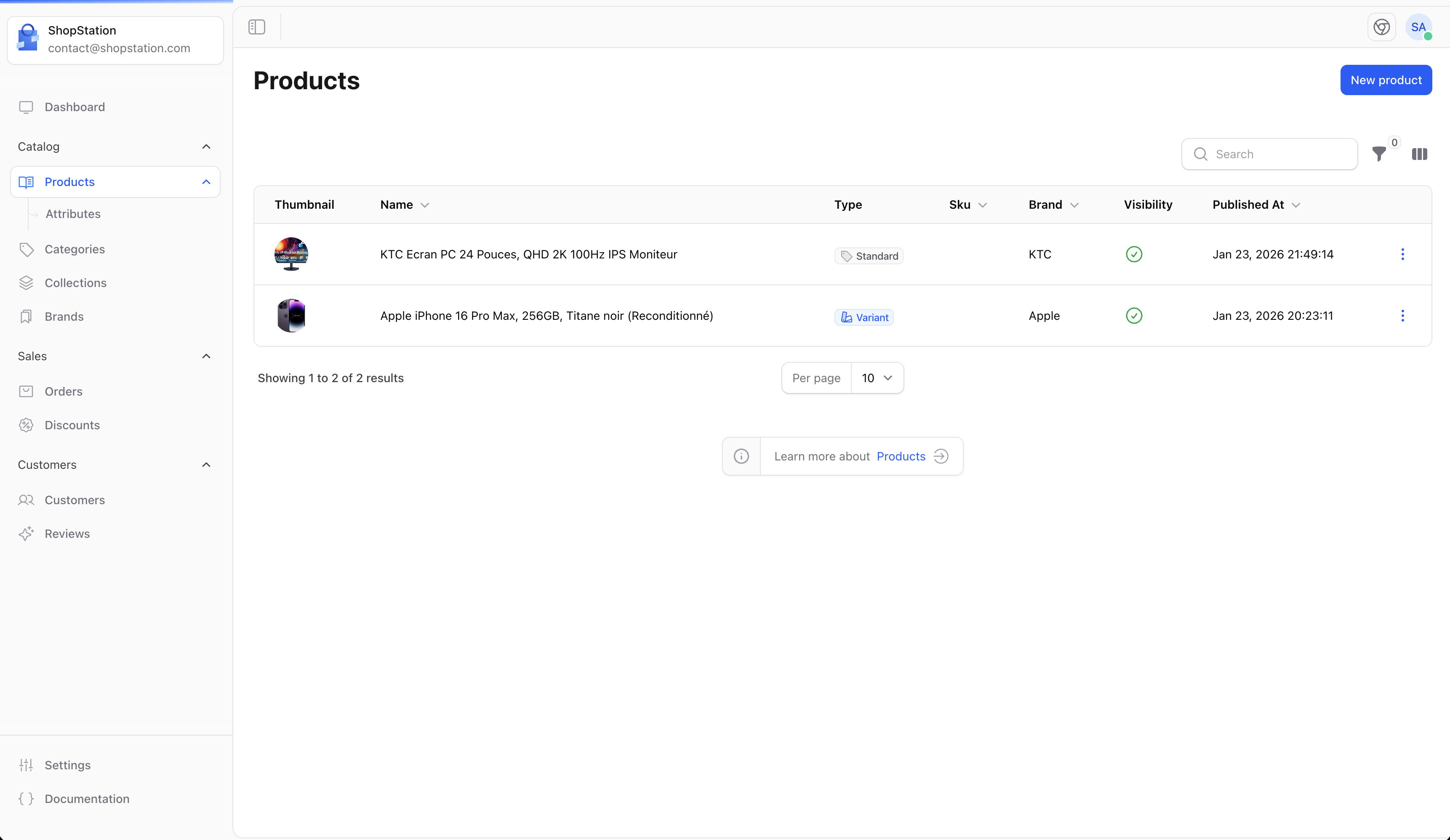
Product Types
Shopper offers four product types, each designed for a specific selling scenario. When creating a product, you’ll choose the type that best fits what you’re selling.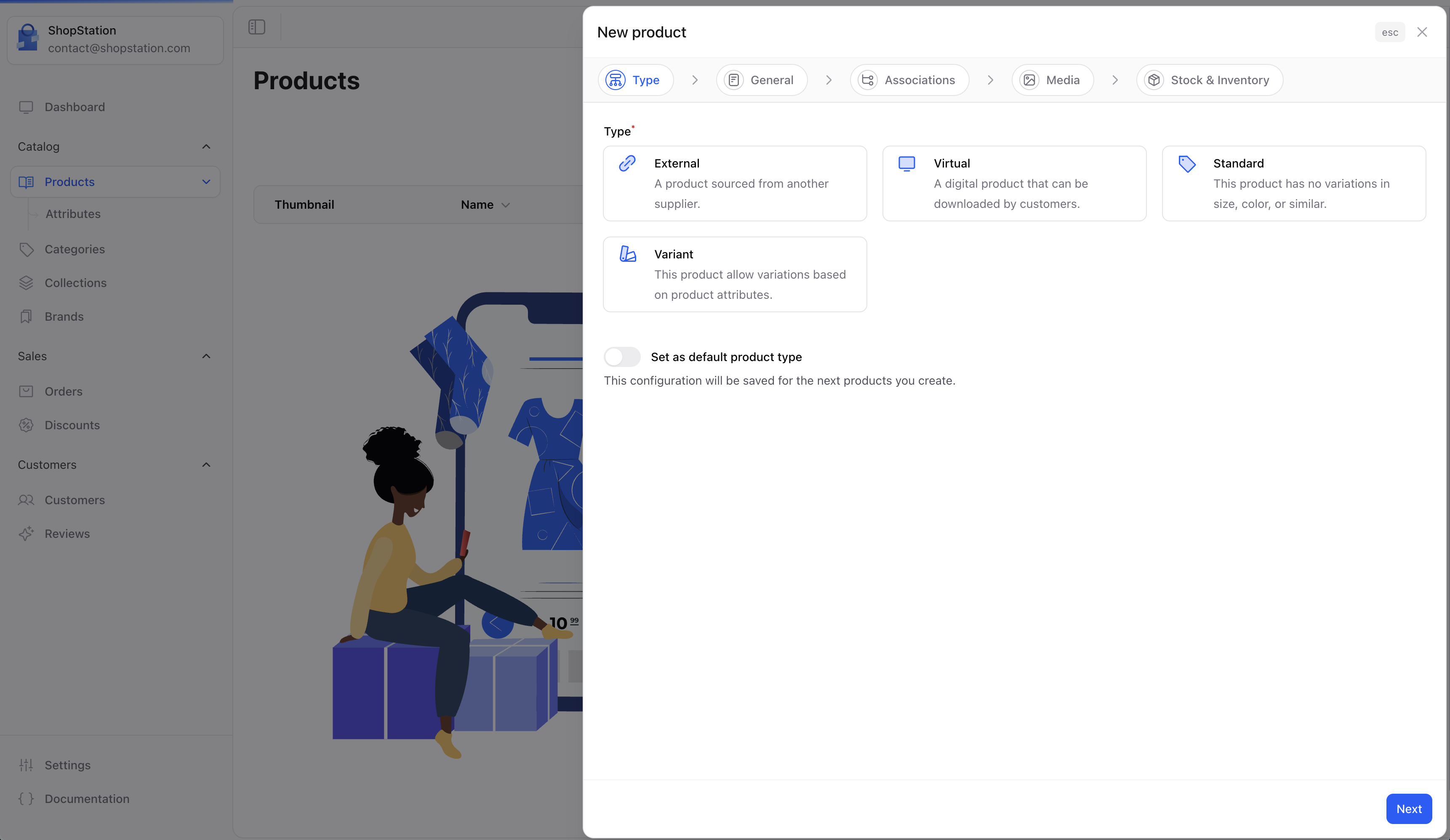
Standard Product
Physical goods that require shipping. This is the most common product type for stores selling tangible items like clothing, electronics, or furniture.
Virtual Product
Digital products that don’t require shipping. Ideal for downloadable files, software licenses, online courses, or subscriptions.
External Product
Products fulfilled by a third-party supplier. Perfect for dropshipping, where you sell products without holding inventory.
Variant Product
Products with multiple options like size, color, or material. Each combination becomes a separate variant with its own price, stock, and SKU.
Choosing the Right Type
The product type is set during creation and cannot be changed afterward. Make sure to choose the correct type before proceeding.
Type Capabilities
Not all features are available for every product type. Here’s what each type supports:What’s Next?
Create a Product
Follow the step-by-step wizard to create your first product.
Manage Products
Learn how to edit pricing, SEO, media, and more after creation.