
Overview
When you log in, you’ll see the main dashboard which displays key metrics and quick access to important features.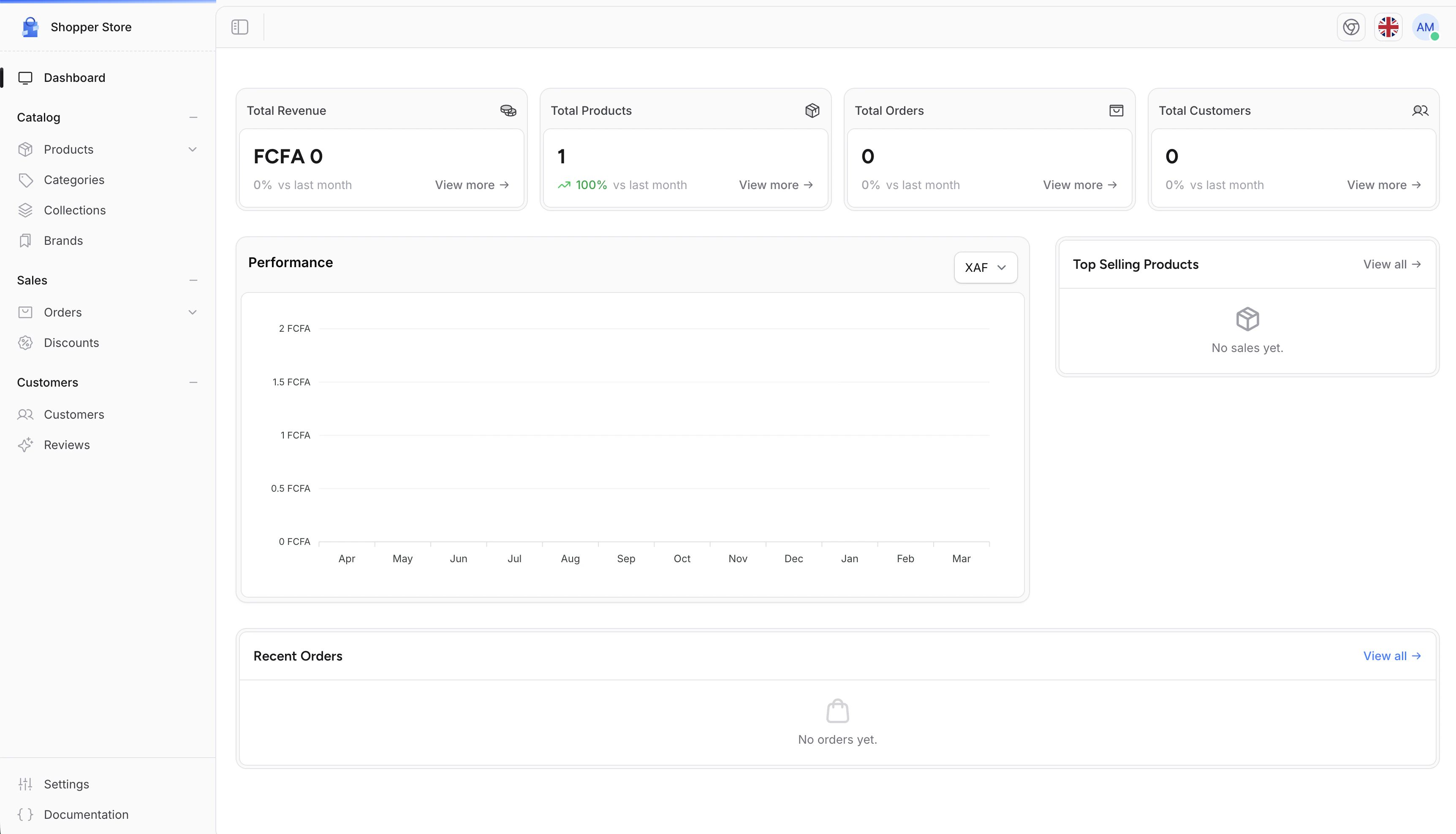
Main Navigation
The sidebar on the left side of the screen is your main navigation tool. It provides access to all sections of your store management:Quick Actions
From the dashboard, you can quickly access common tasks:- View recent orders
- Check new customer registrations
- Monitor product inventory
- Access store settings
Settings Panel
Click on Settings in the sidebar to access all configuration options for your store.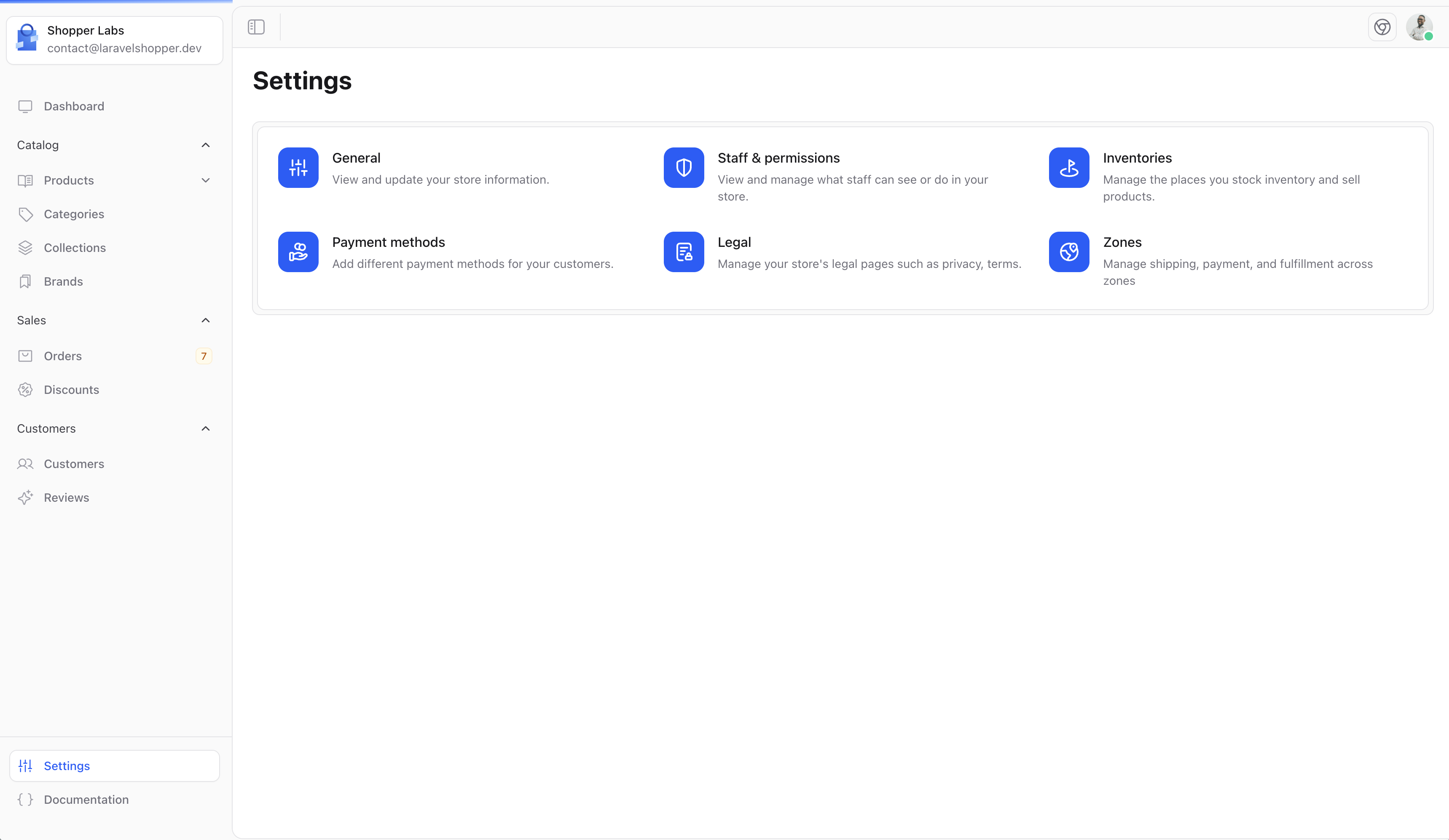
- General - Store name, description, and basic information
- Locations - Manage inventory locations
- Staff - Manage administrator accounts
- Legal - Terms of service and privacy policies
- And more…
Your Profile
Access your personal profile settings by clicking on your avatar at the top of the header.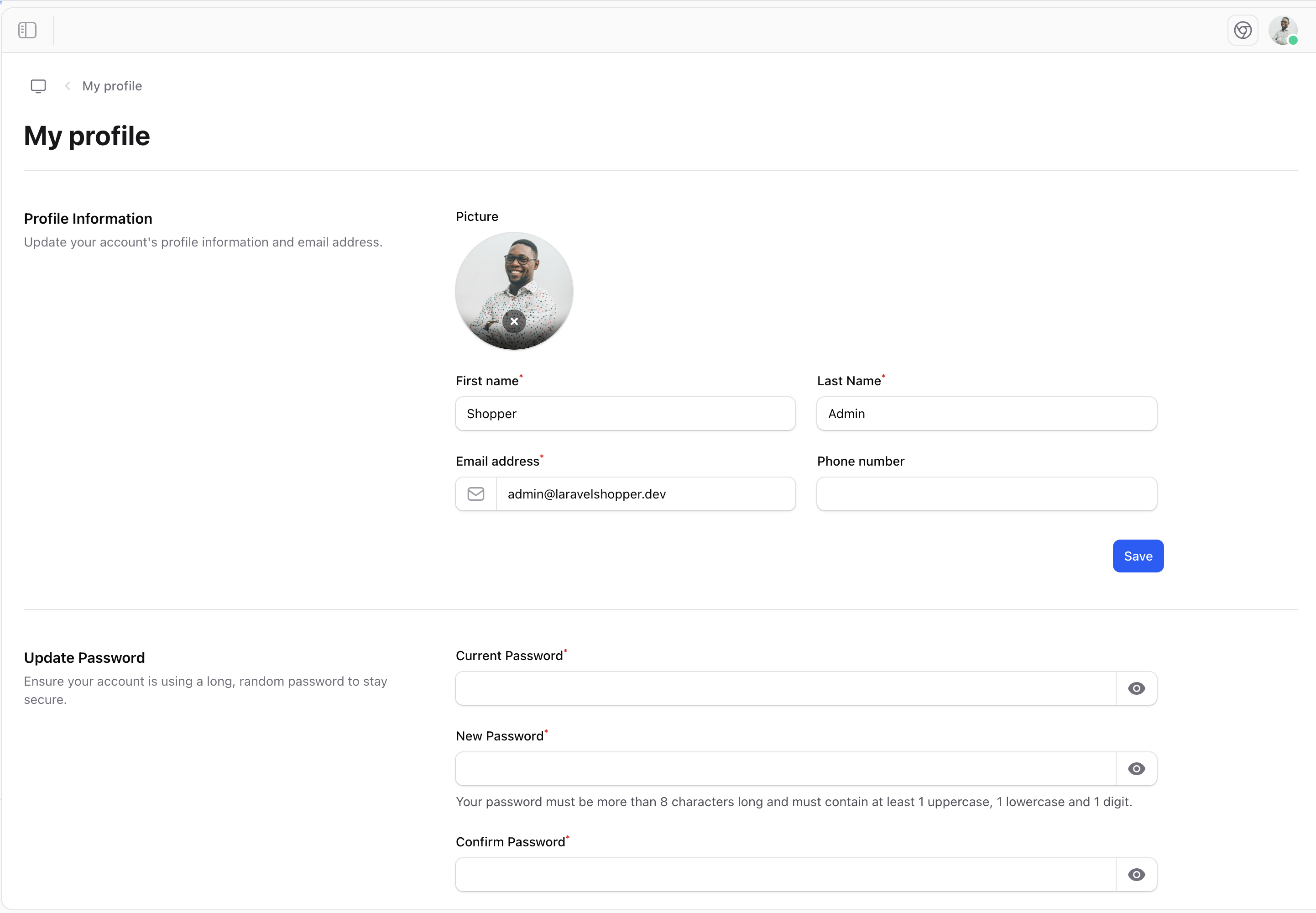
- Update your personal information
- Change your password
- Enable two-factor authentication
- Log out of your account