Brands help customers identify and find products from their favorite manufacturers. Managing brands effectively can improve navigation and boost customer trust.
Overview
Brands in Shopper represent the manufacturers or labels of your products. They help customers:
- Filter products by manufacturer
- Find all products from a specific brand
- Make informed purchasing decisions
Accessing Brands
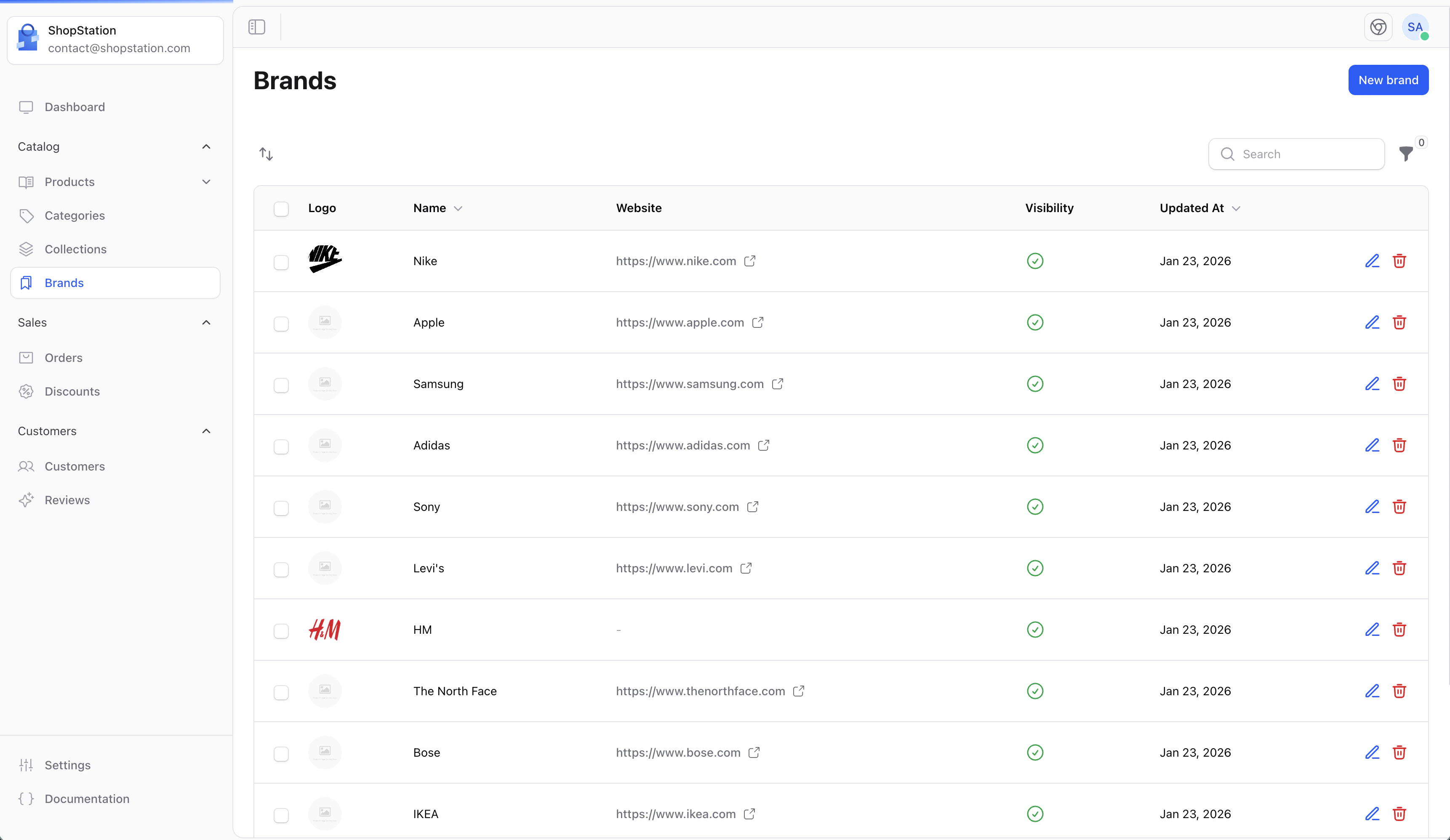
Click on Brands in the sidebar to access the brand management page.
Creating a Brand
To add a new brand to your store:
- Click the Create button on the Brands page
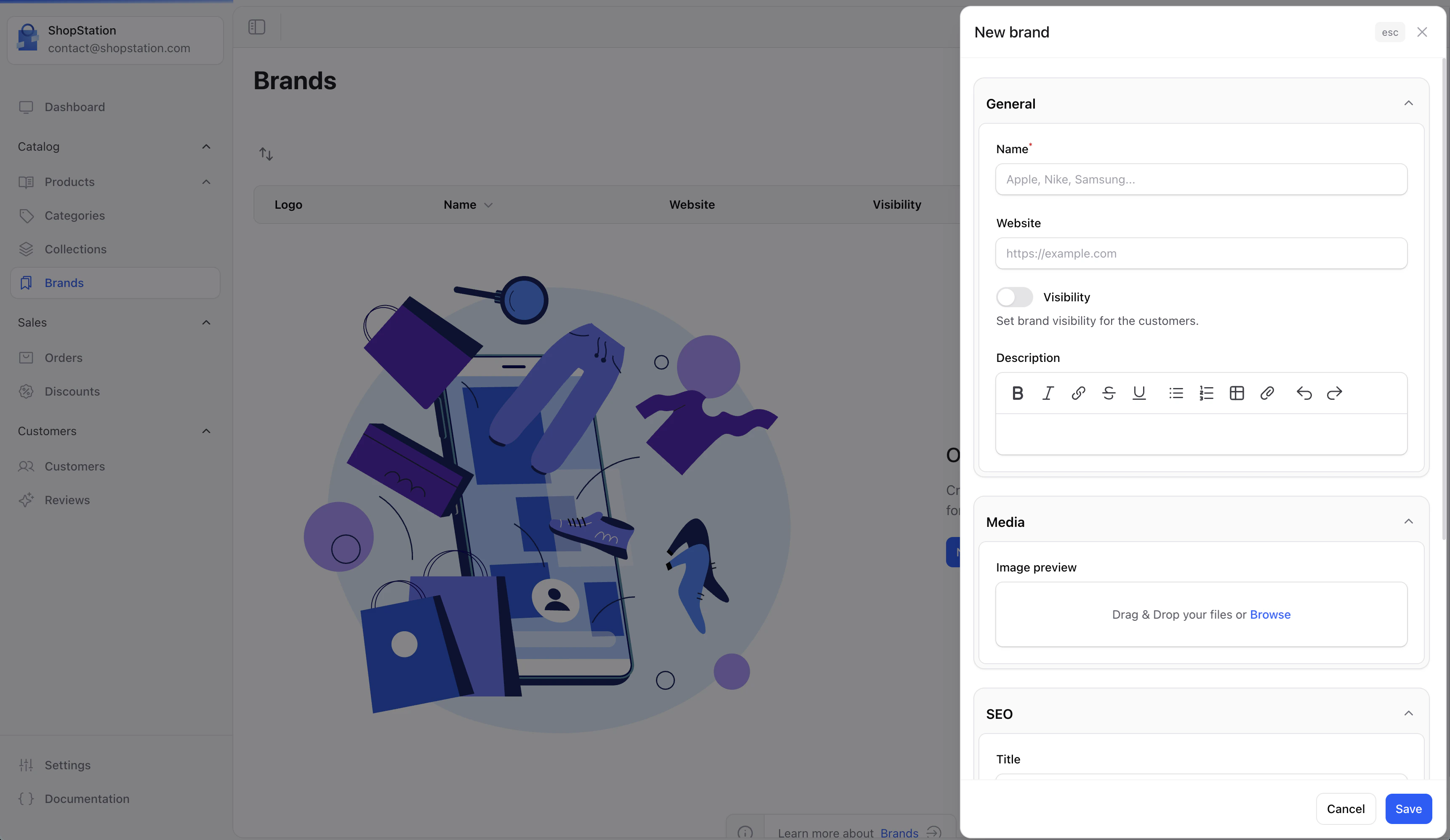
- Fill in the brand details
- Click Save to create the brand
Brand Fields
SEO Settings
Optimize your brand pages for search engines:
Brand States
Brands can be in two states:
- Enabled - Visible on your storefront and available for product assignment
- Disabled - Hidden from your storefront but products remain associated
New brands are automatically enabled when created. Disable a brand if you want to temporarily hide it without removing product associations.
Empty State
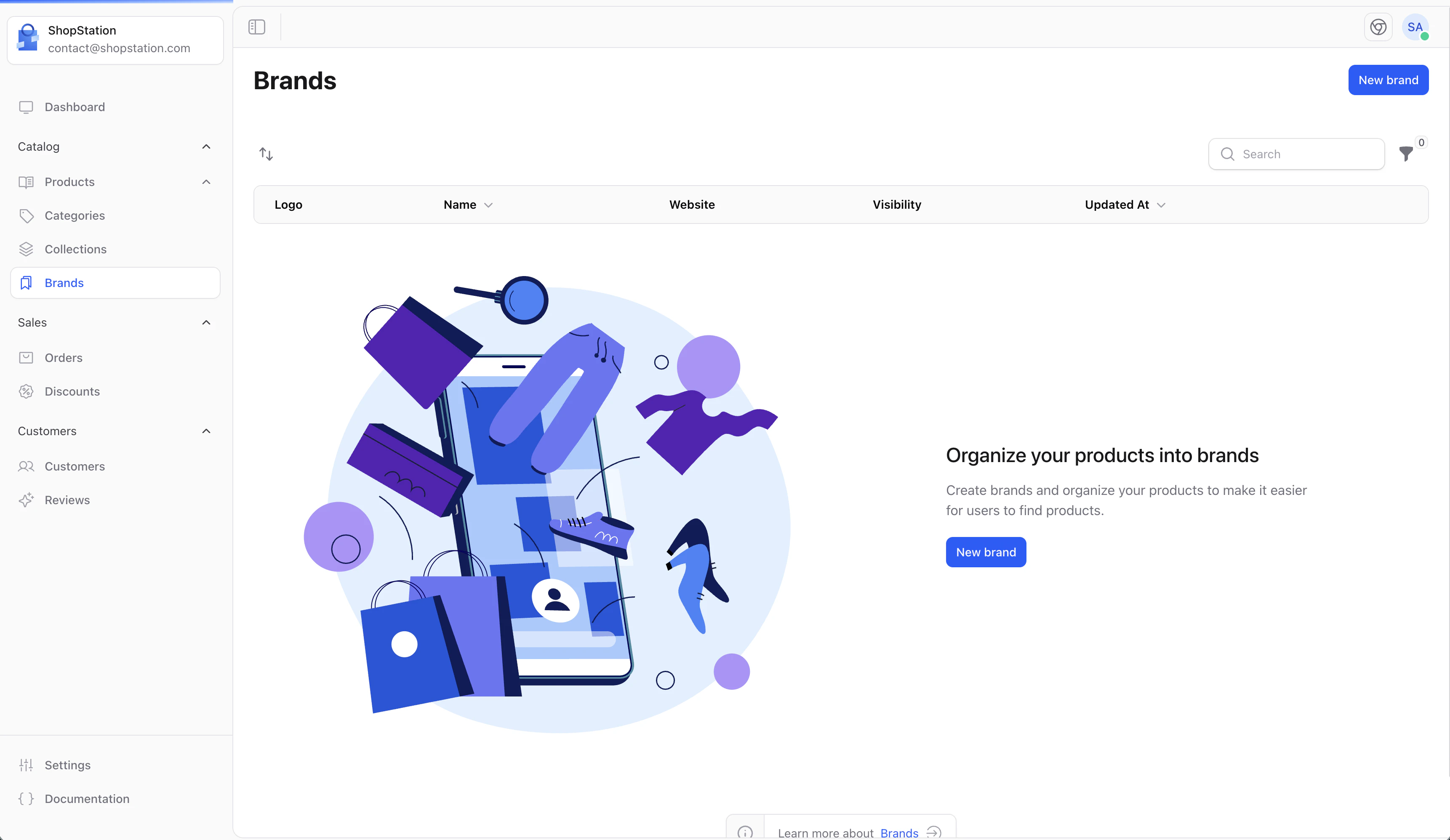
When you first access the Brands page with no brands created, you’ll see a helpful empty state prompting you to create your first brand.
Displaying Brands on Your Store
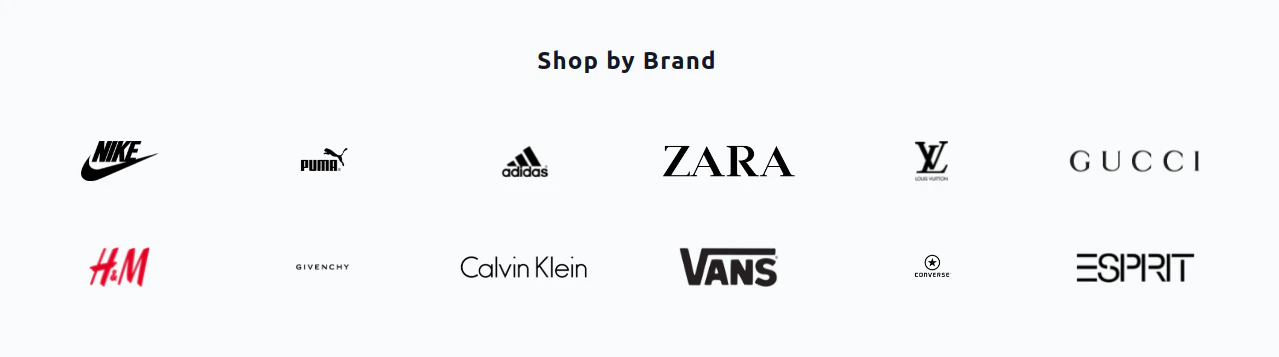
Once you have brands configured, they can be displayed on your storefront for customers to browse.
Best Practices
- Use official logos - Always use the official brand logo when available
- Keep descriptions concise - A brief description helps customers understand what the brand offers
- Optimize for SEO - Add relevant keywords to help customers find brands through search
- Regular updates - Keep brand information current, especially for websites and descriptions
For developer details, see the Brands documentation.