Accessing the Login Page
Your Shopper administration panel is accessible at your website URL followed by/cpanel. For example:
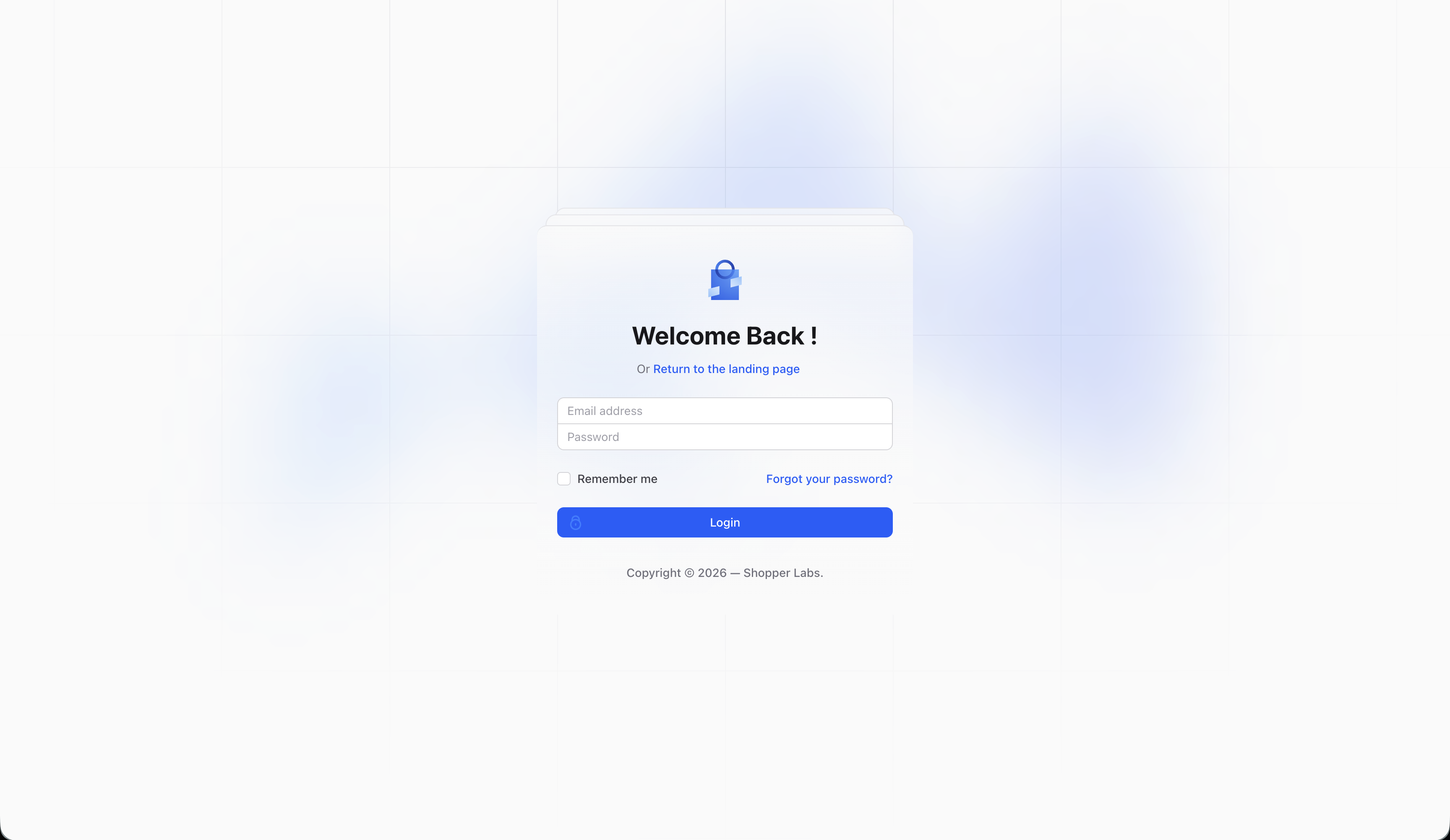
Logging In
- Enter your email address in the first field
- Enter your password in the second field
- Click the Log in button
Forgot Your Password?
If you’ve forgotten your password:- Click the Forgot your password? link on the login page
- Enter your email address
- Check your email for a password reset link
- Follow the instructions in the email to create a new password
After Logging In
Once logged in, you’ll be taken to the Dashboard, which provides an overview of your store’s activity. From here, you can navigate to any section of the administration panel using the sidebar on the left.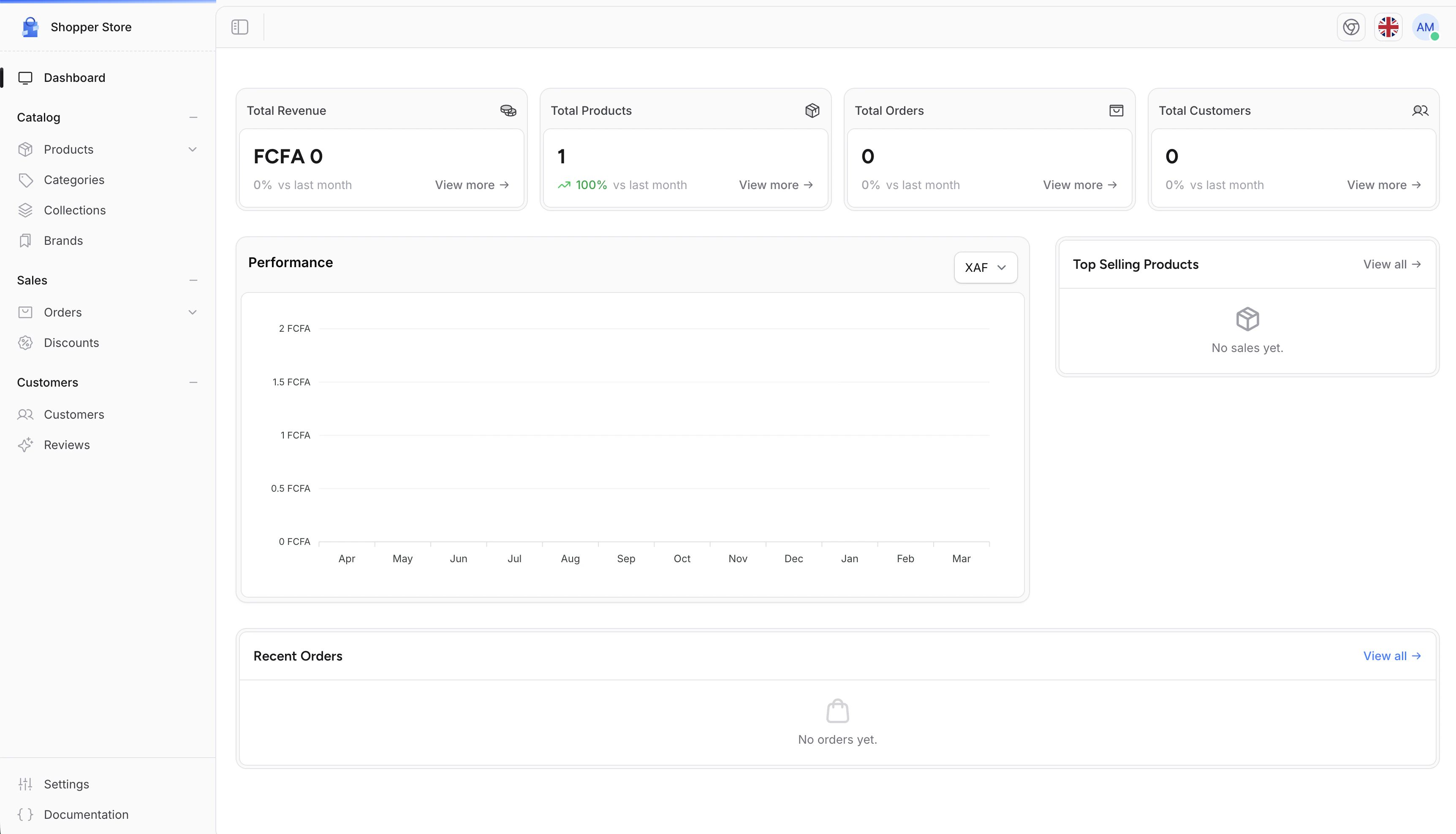
Logging Out
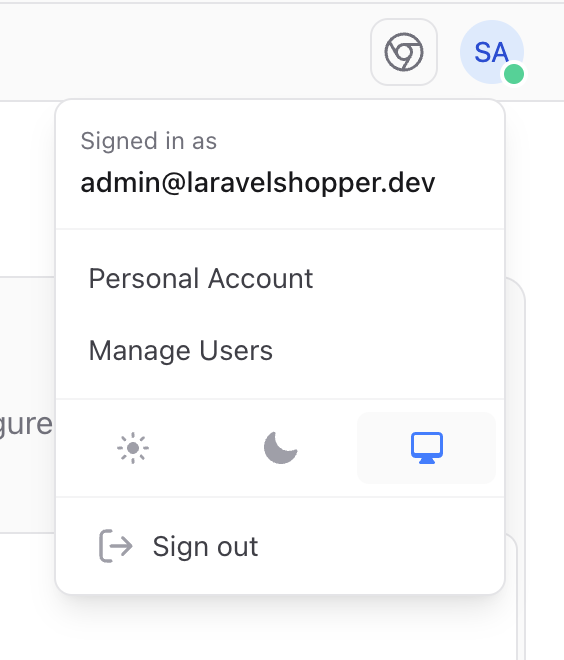
To log out of your account:- Click on your profile picture in the bottom-left corner of the sidebar
- Select Log out from the dropdown menu