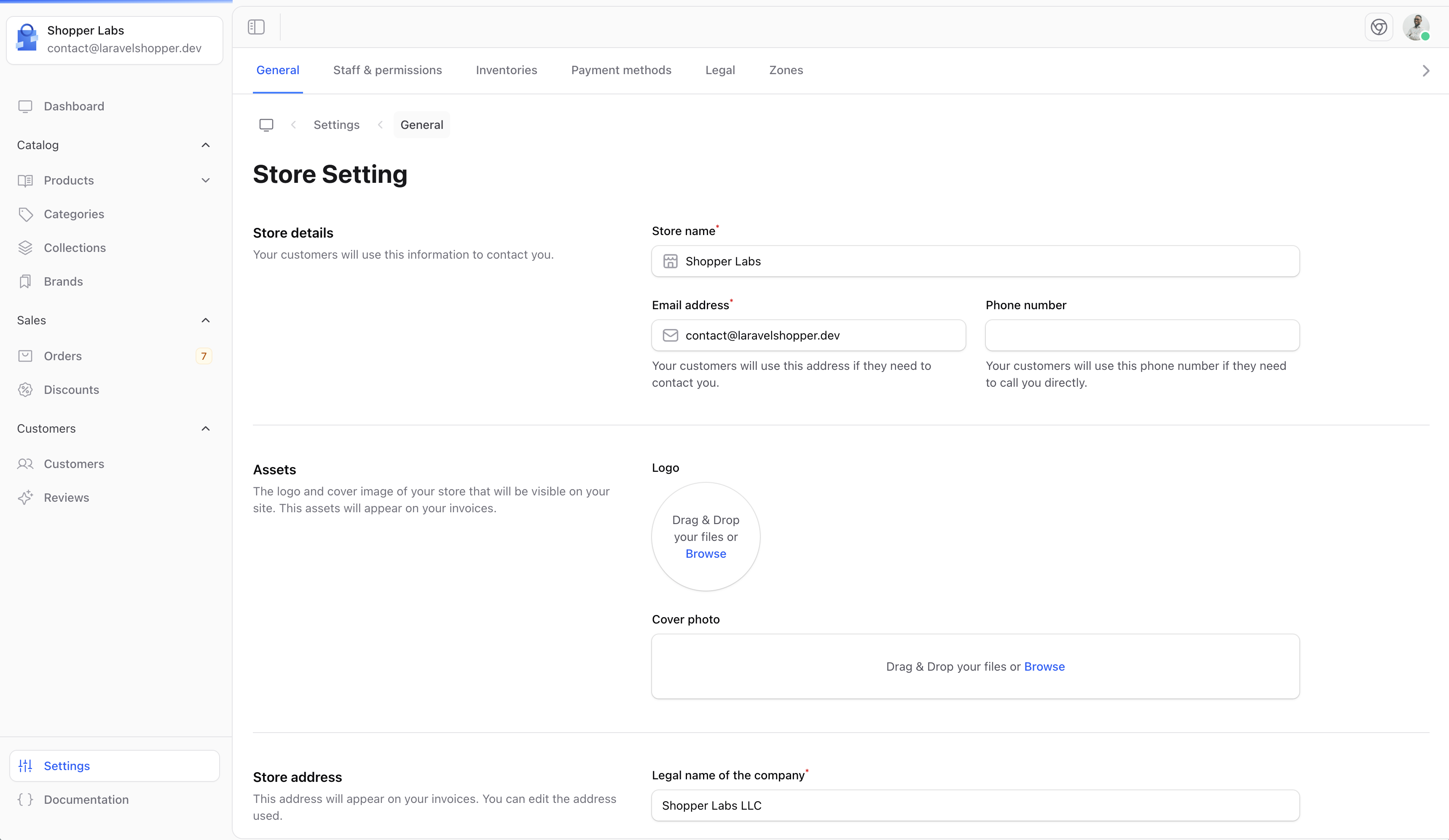
The General Settings page allows you to configure your store’s basic information. This is one of the first things you should set up when starting with Shopper.
Accessing General Settings
- Click on Settings in the sidebar
- Select General from the settings menu
Store Details
Configure the basic information about your store:
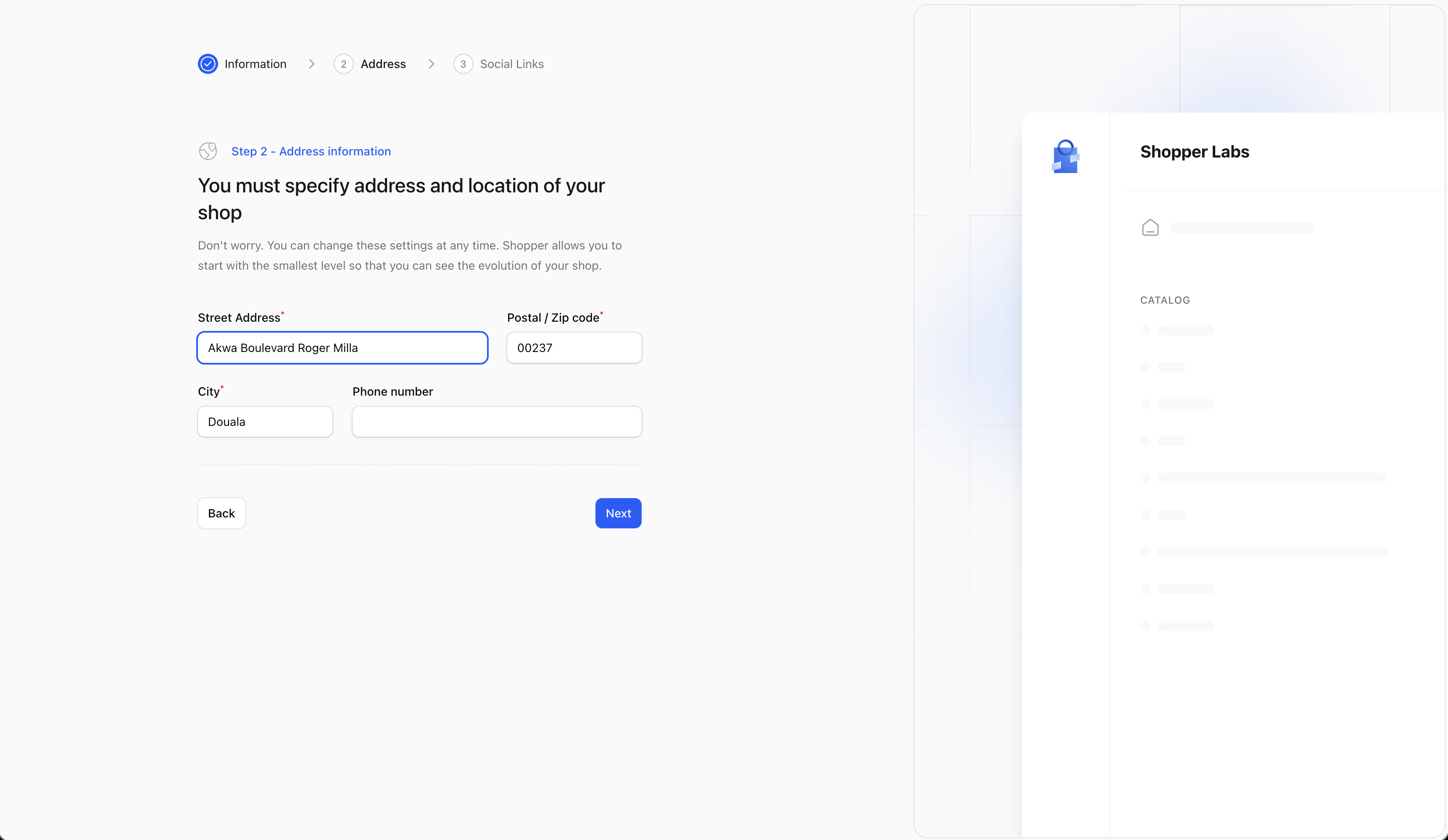
Store Address
Set your store’s physical address. This information may be used for:
- Invoice generation
- Shipping calculations
- Legal compliance
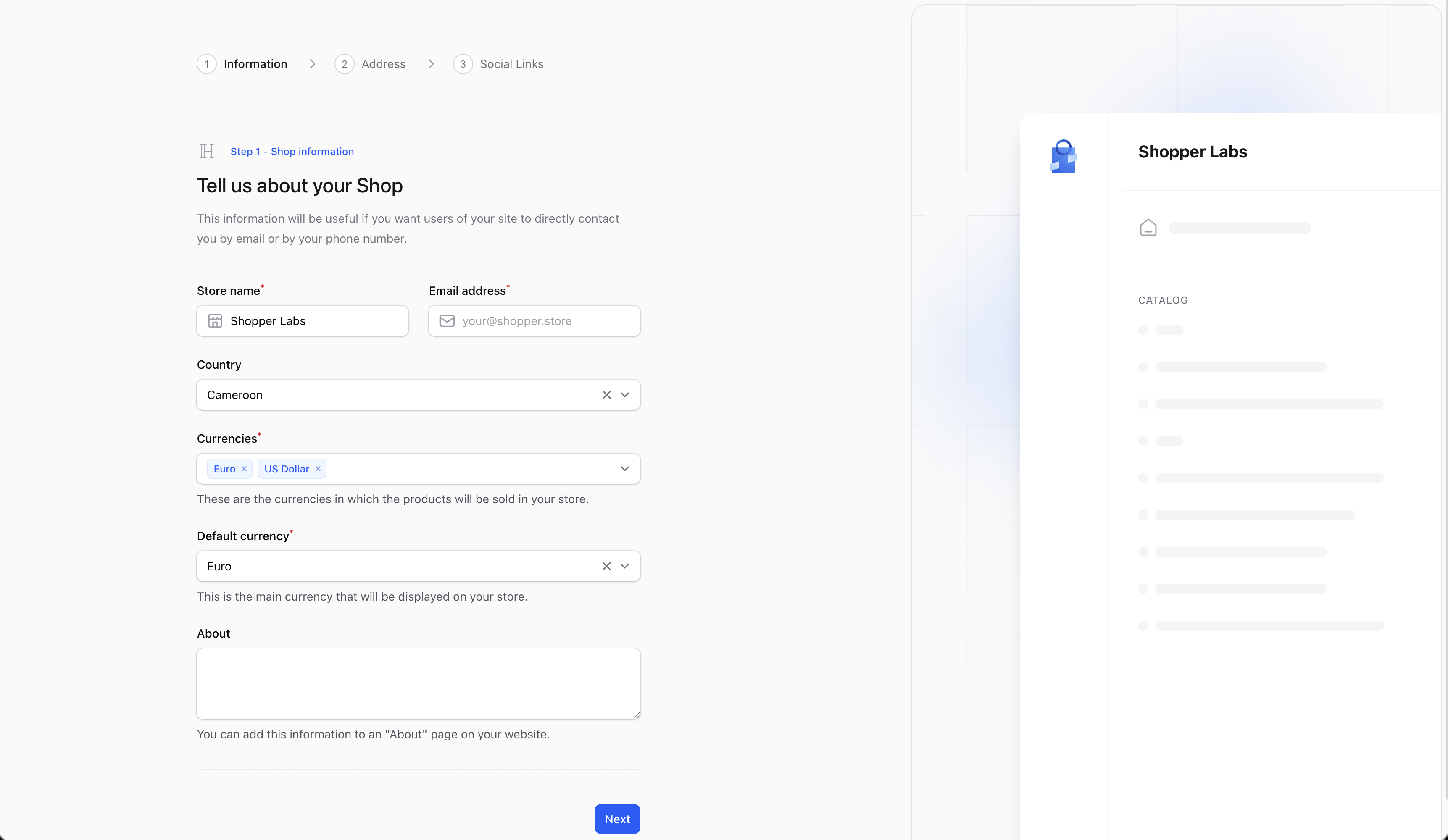
Store Initialization
When you first set up Shopper, you’ll go through an initialization wizard that helps you configure the essential settings.
Step 2 - Address Setup
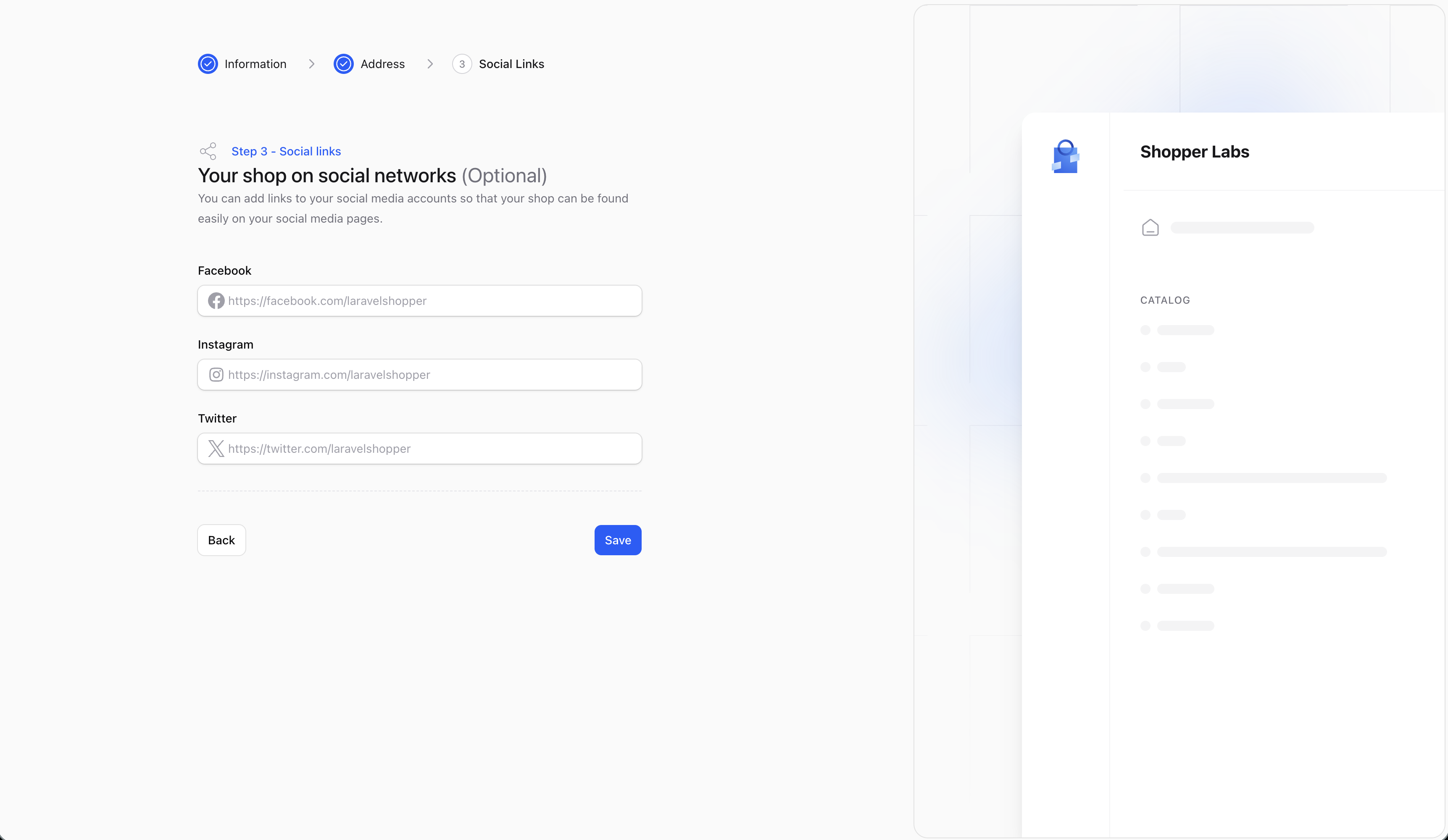
Step 3 - Social Links
Saving Changes
After making any changes to your settings:
- Review your changes
- Click the Save button at the bottom of the form
- A confirmation message will appear when your changes are saved
Make sure to keep your store information up to date, especially your contact email, as this is how customers and the system will reach you.