
Overview
The Customers section allows you to:- View all registered customers
- Access customer details and order history
- Manage customer addresses
- Send notifications to customers
- Create customers manually
Accessing Customers
Click on Customers in the sidebar to access customer management.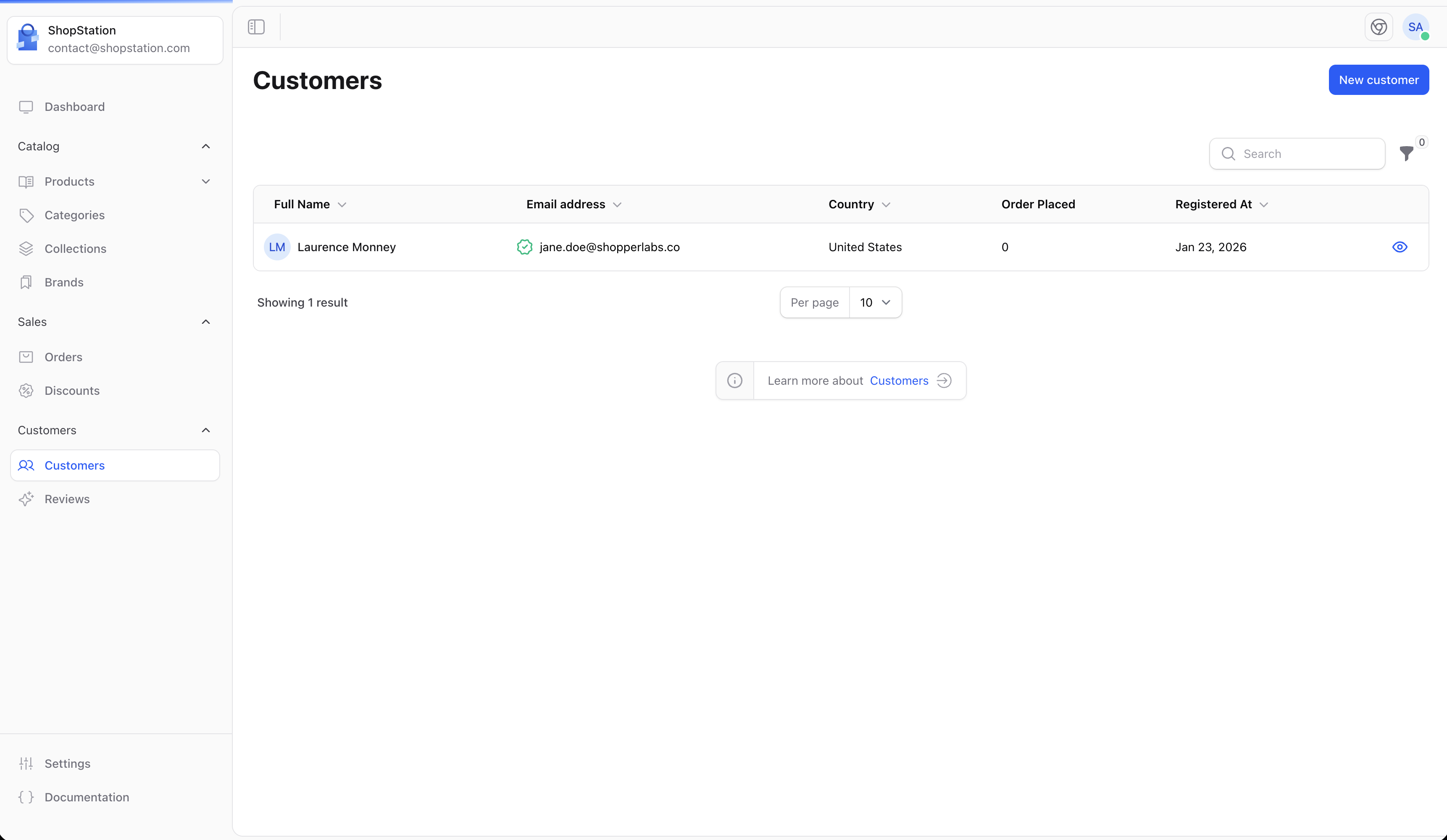
Customer List
The customer list displays:Empty State
If you don’t have any customers yet, you’ll see a helpful prompt: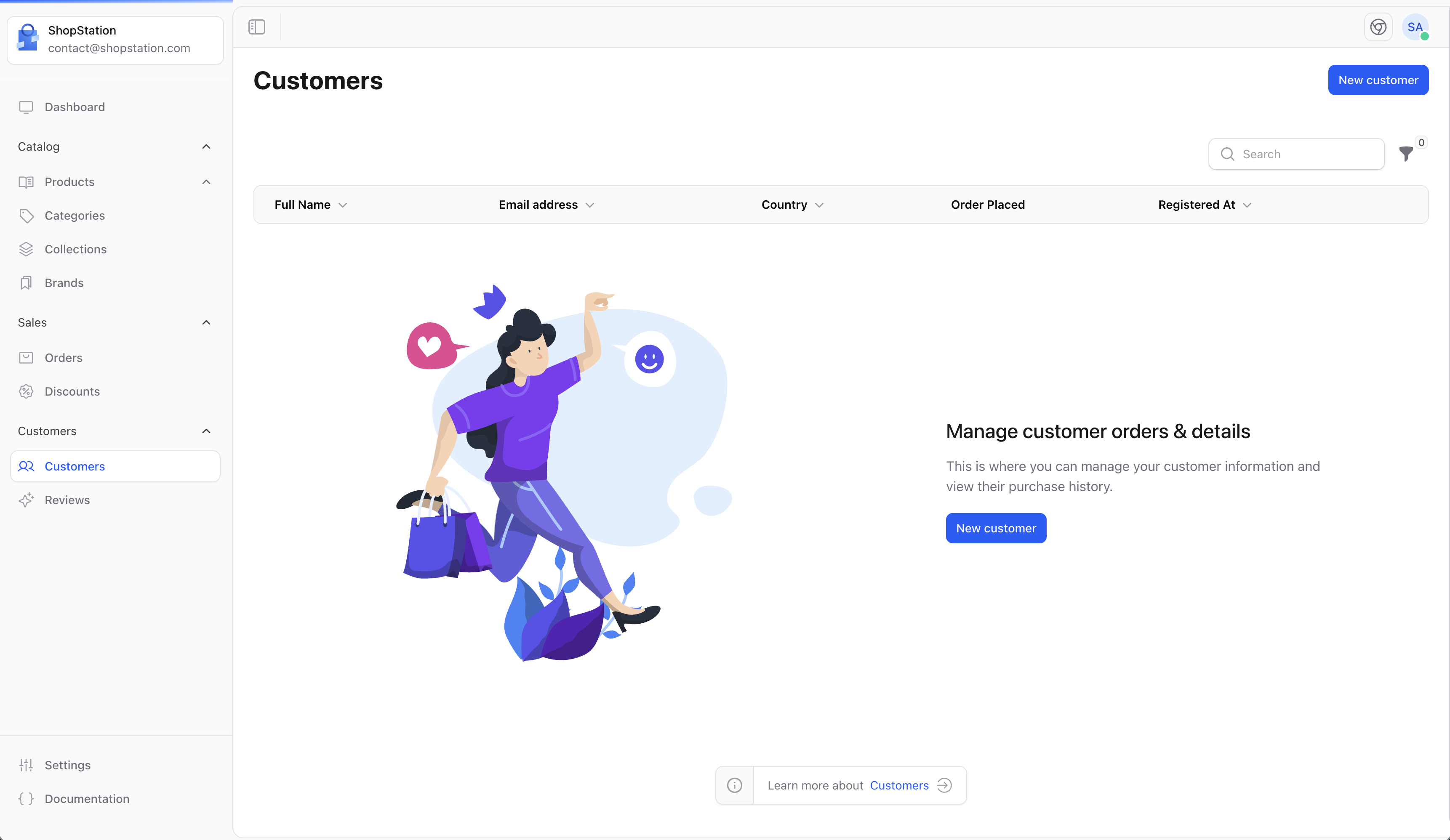
Customer Details
Click on a customer to view their complete profile: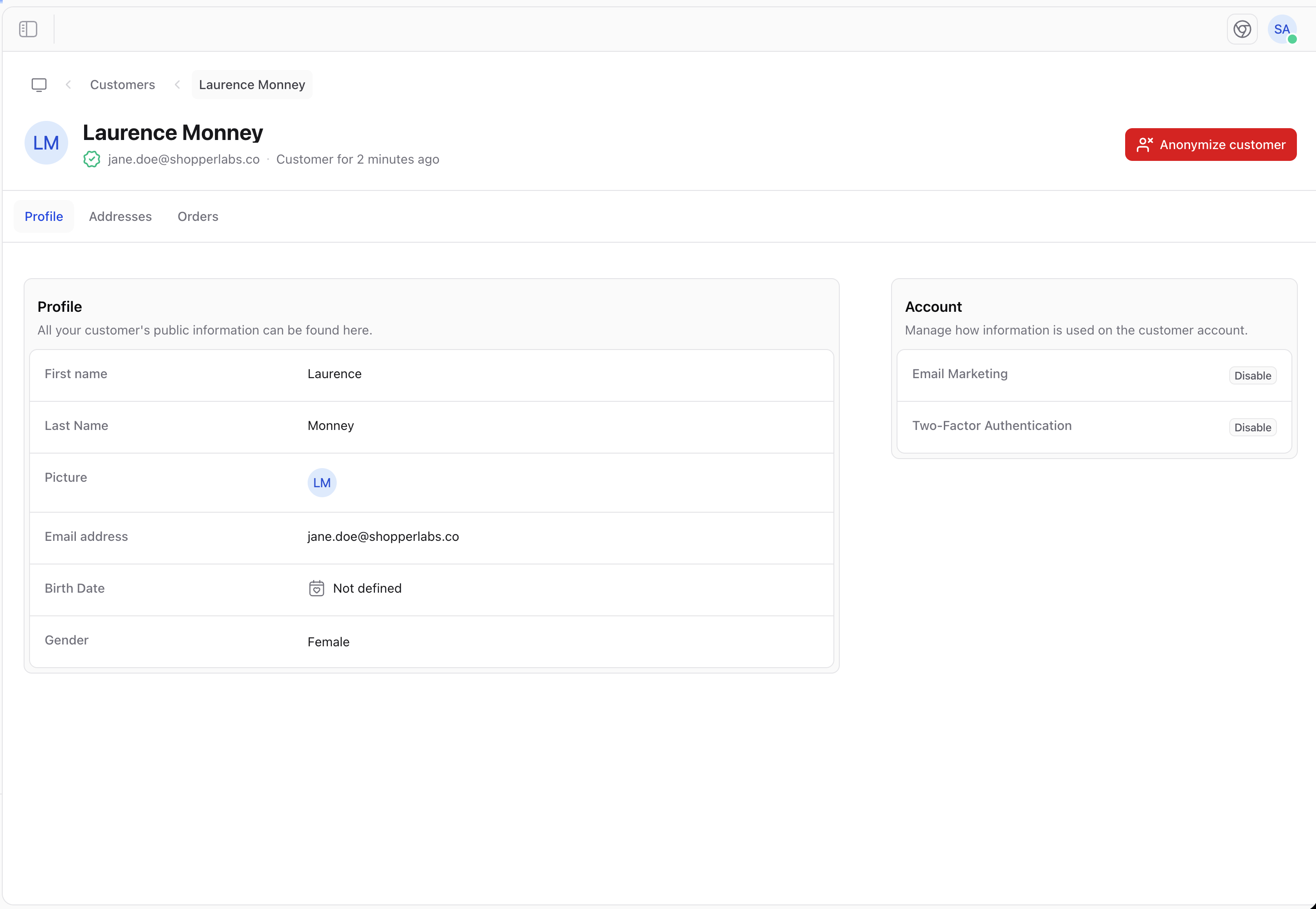
Profile Information
- Personal details - Name, email, phone
- Account status - Active, disabled
- Marketing preferences - Email subscriptions
- Notes - Internal notes about the customer
Addresses
View and manage customer addresses: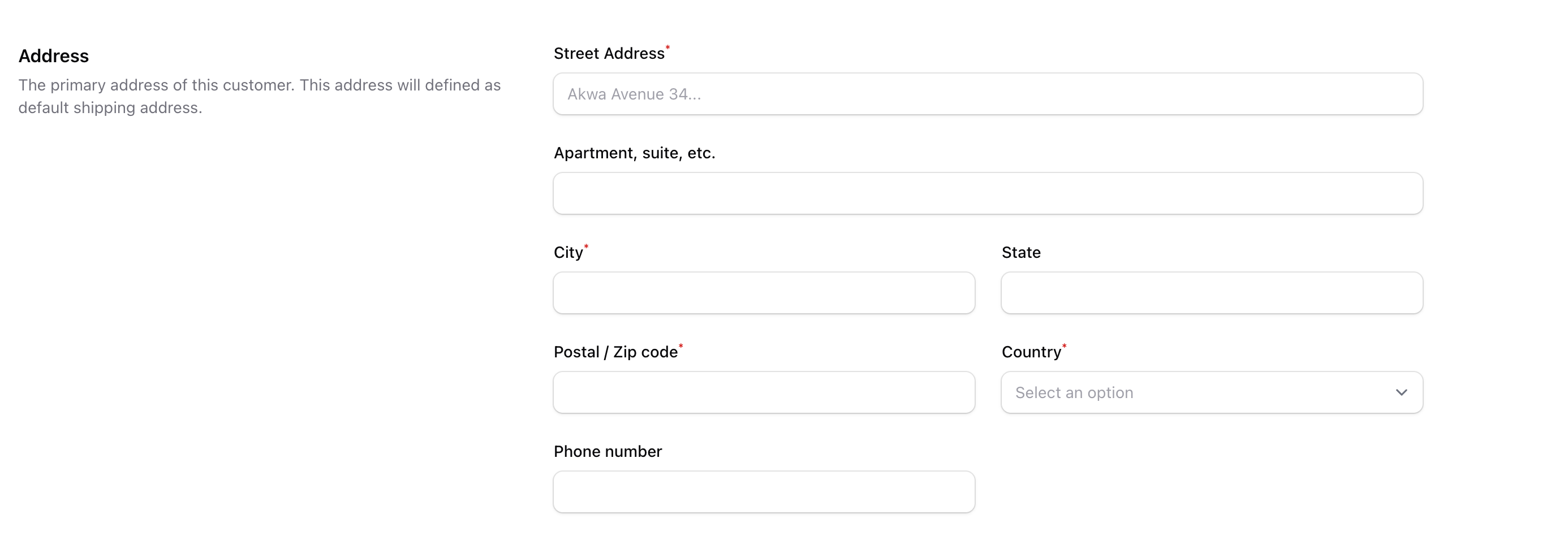
- Default shipping address
- Default billing address
- Additional addresses
Order History
View all orders placed by the customer:- Order numbers and dates
- Order totals
- Payment and fulfillment status
Creating a Customer
To manually add a customer:- Click the Create button on the Customers page
- Fill in the customer details
- Click Save
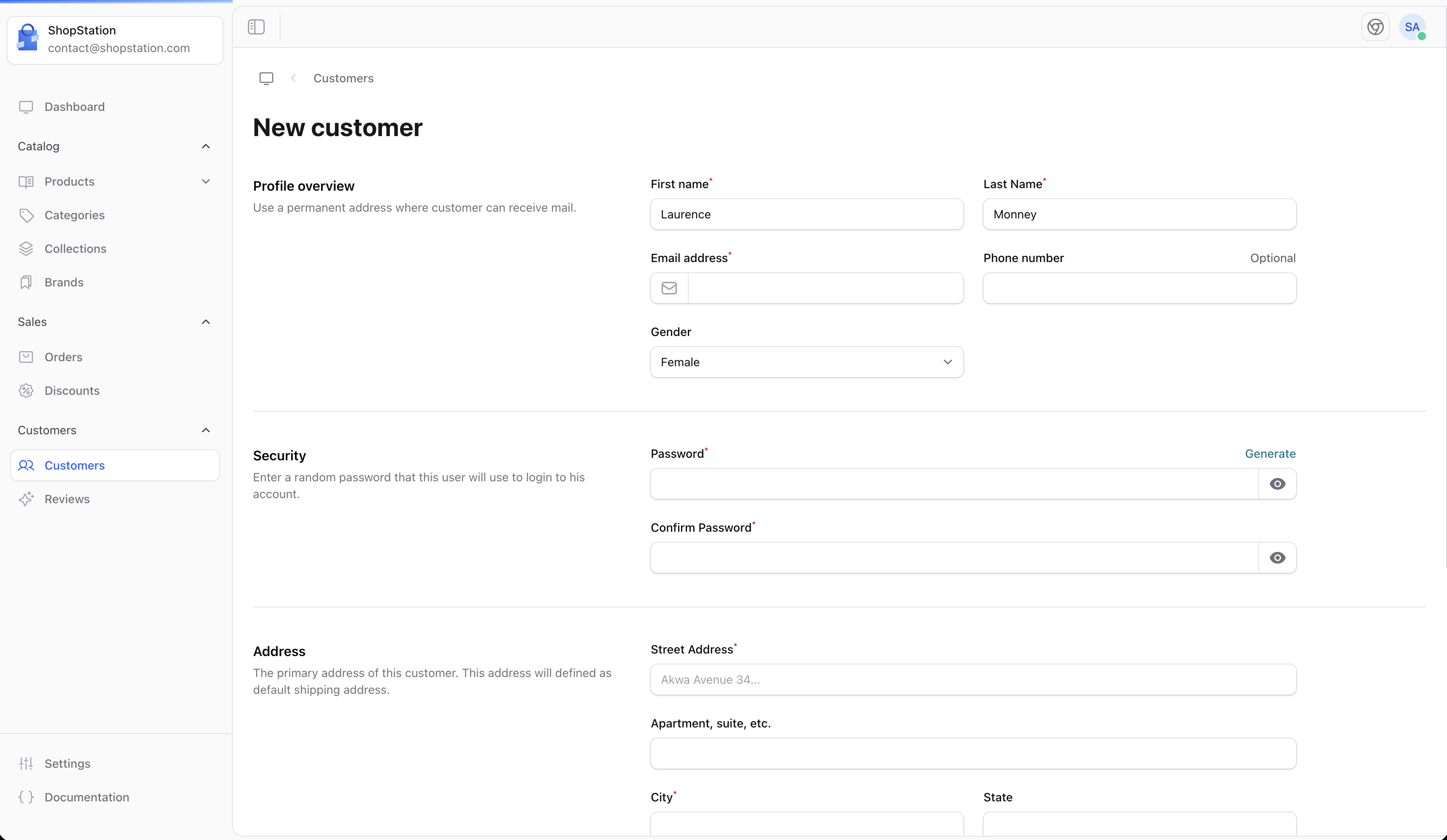
Customer Fields
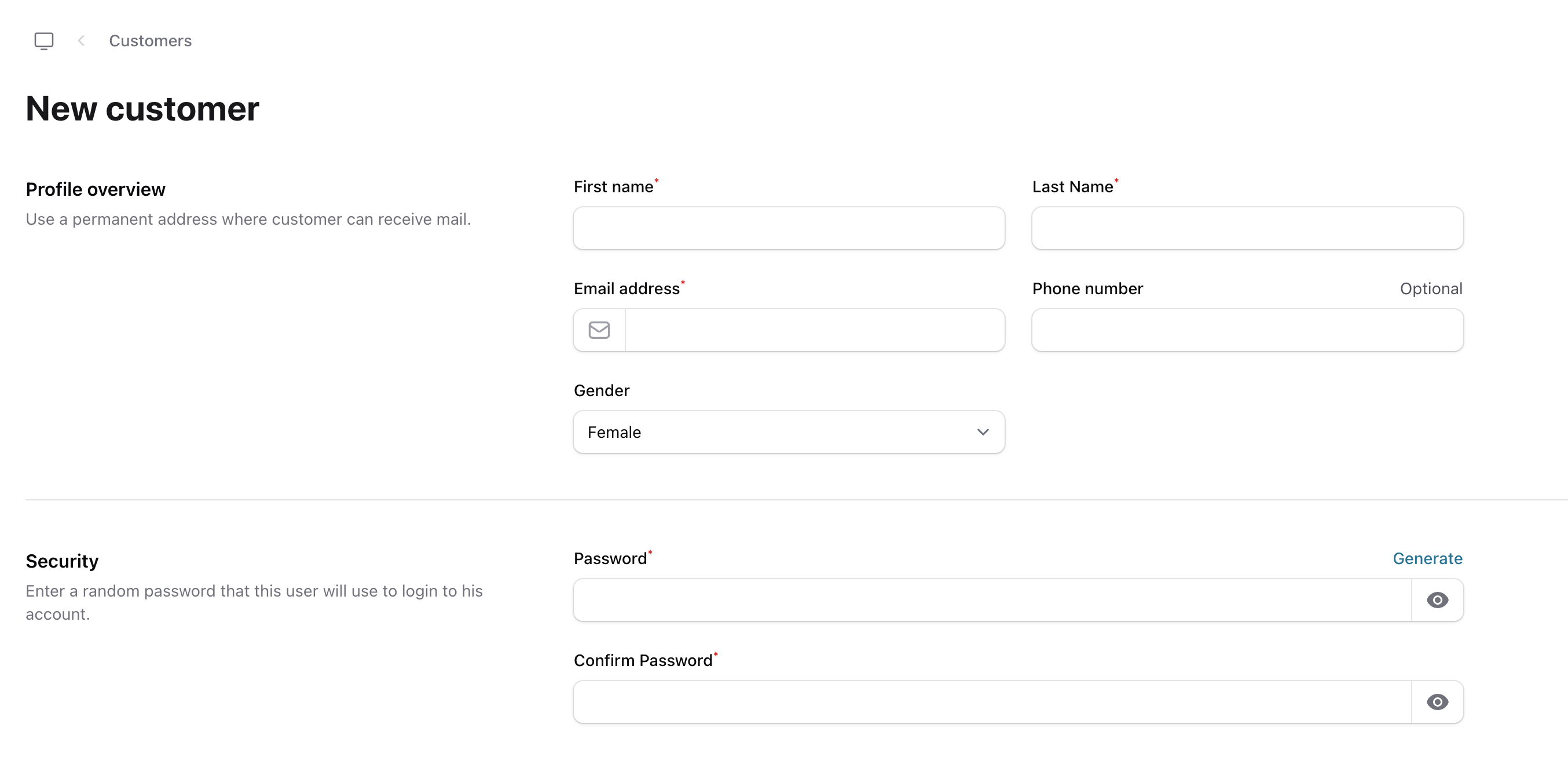
Customer Notification
Send notifications to customers:
- Order confirmations
- Shipping updates
- Marketing emails
- Password resets
Customer Account (Storefront)
Customers can manage their own accounts on your storefront: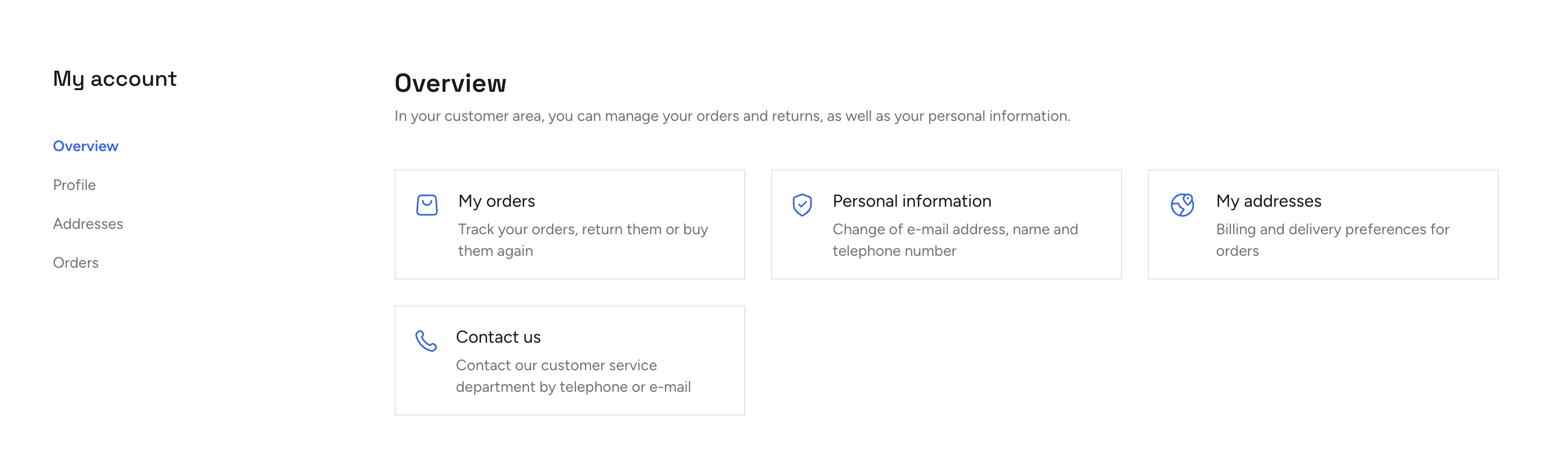
- Update personal information
- Manage addresses
- View order history
- Change password

Customer Authentication
Customers register and log in through your storefront:
Best Practices
Protect Data
Handle customer data responsibly and comply with privacy laws.
Segment Customers
Group customers for targeted marketing.
Track Behavior
Monitor purchasing patterns to understand your audience.
Stay Connected
Maintain communication to build loyalty.
Customer Data Privacy
If a customer requests their data to be removed (GDPR “right to be forgotten”), you can anonymize their account:- Go to the customer’s profile page
- Click the Anonymize action
- Confirm the action