
Overview
The Discounts section allows you to:- Create discount codes
- Set up automatic discounts
- Define discount rules and conditions
- Track discount usage
- Schedule promotional periods
Accessing Discounts
Click on Discounts in the sidebar to access discount management.Empty State
If you haven’t created any discounts yet: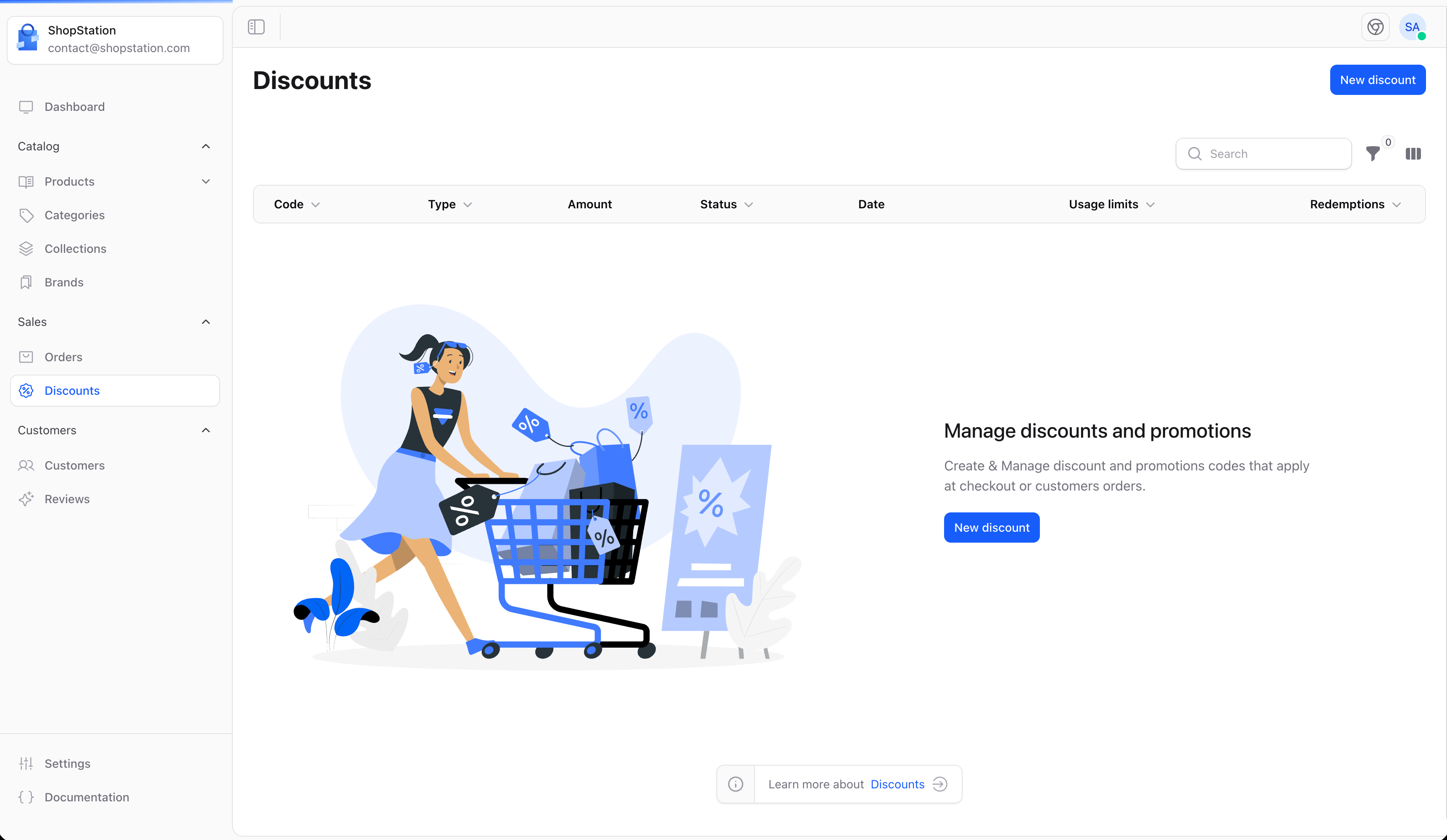
Creating a Discount
To create a new discount:- Click the Create button
- Configure the discount settings
- Set conditions and limits
- Click Save
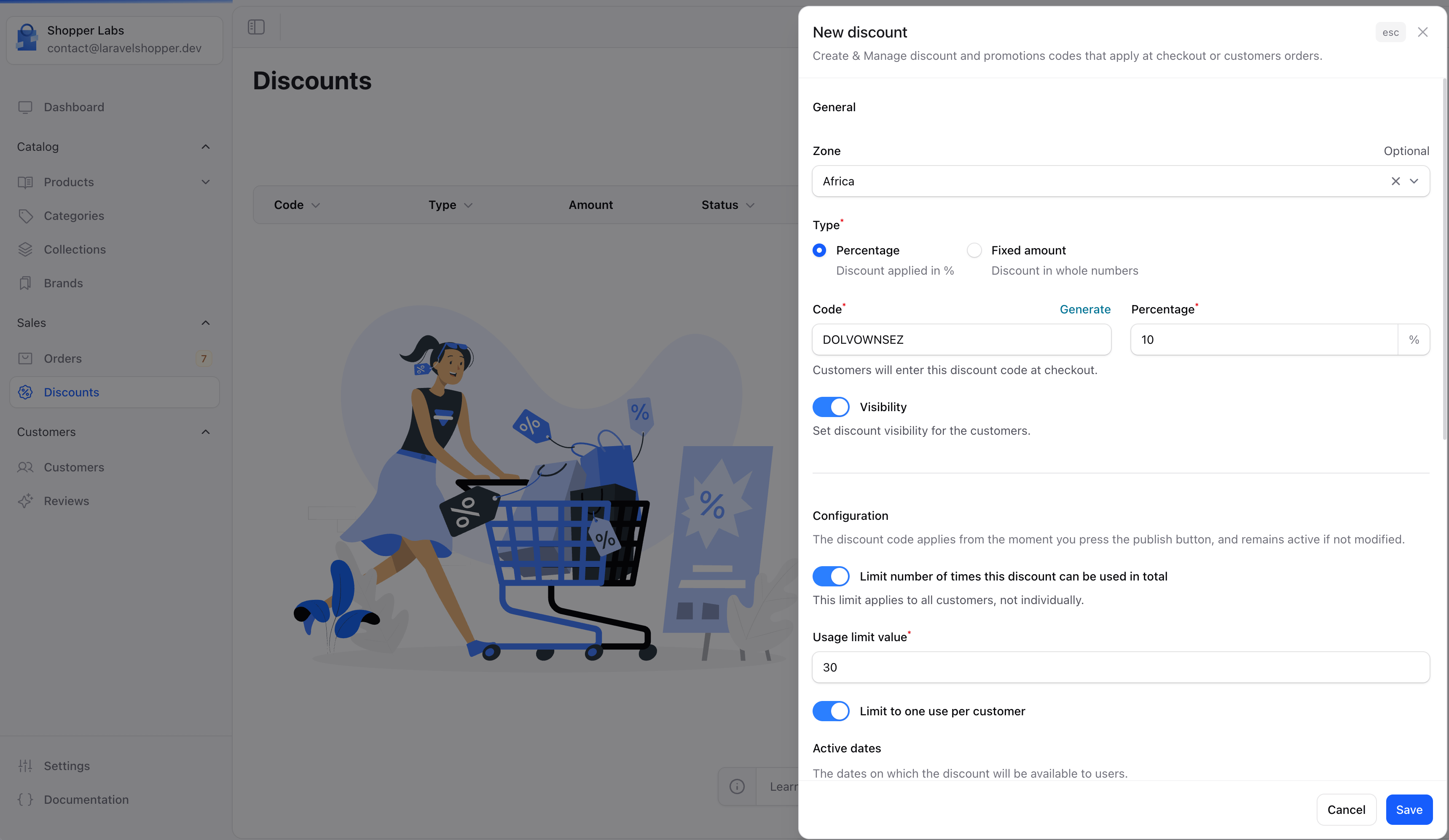
Discount Types
Discount Configuration
Discount Conditions
Set rules for when the discount can be used:Minimum Requirements
Customer Eligibility
Product Restrictions
Usage Limits
Control how the discount can be used:Scheduling Discounts
Set active periods for your discounts:- Start date - When the discount becomes active
- End date - When the discount expires
- No end date - Discount runs indefinitely
Discount Strategies
Welcome Discount
Offer first-time customers a discount on their initial purchase.
Seasonal Sales
Create time-limited discounts for holidays and seasons.
Cart Recovery
Send abandoned cart emails with exclusive discount codes.
Loyalty Rewards
Reward repeat customers with special discounts.
Best Practices
- Clear naming - Make codes descriptive (SUMMER2024, FREESHIP)
- Set limits - Protect margins with usage limits
- Track performance - Monitor which discounts drive sales
- Create urgency - Use end dates to encourage quick action
- Test first - Always test discounts before promoting them
Common Discount Examples
For developer details, see the Discounts documentation.