
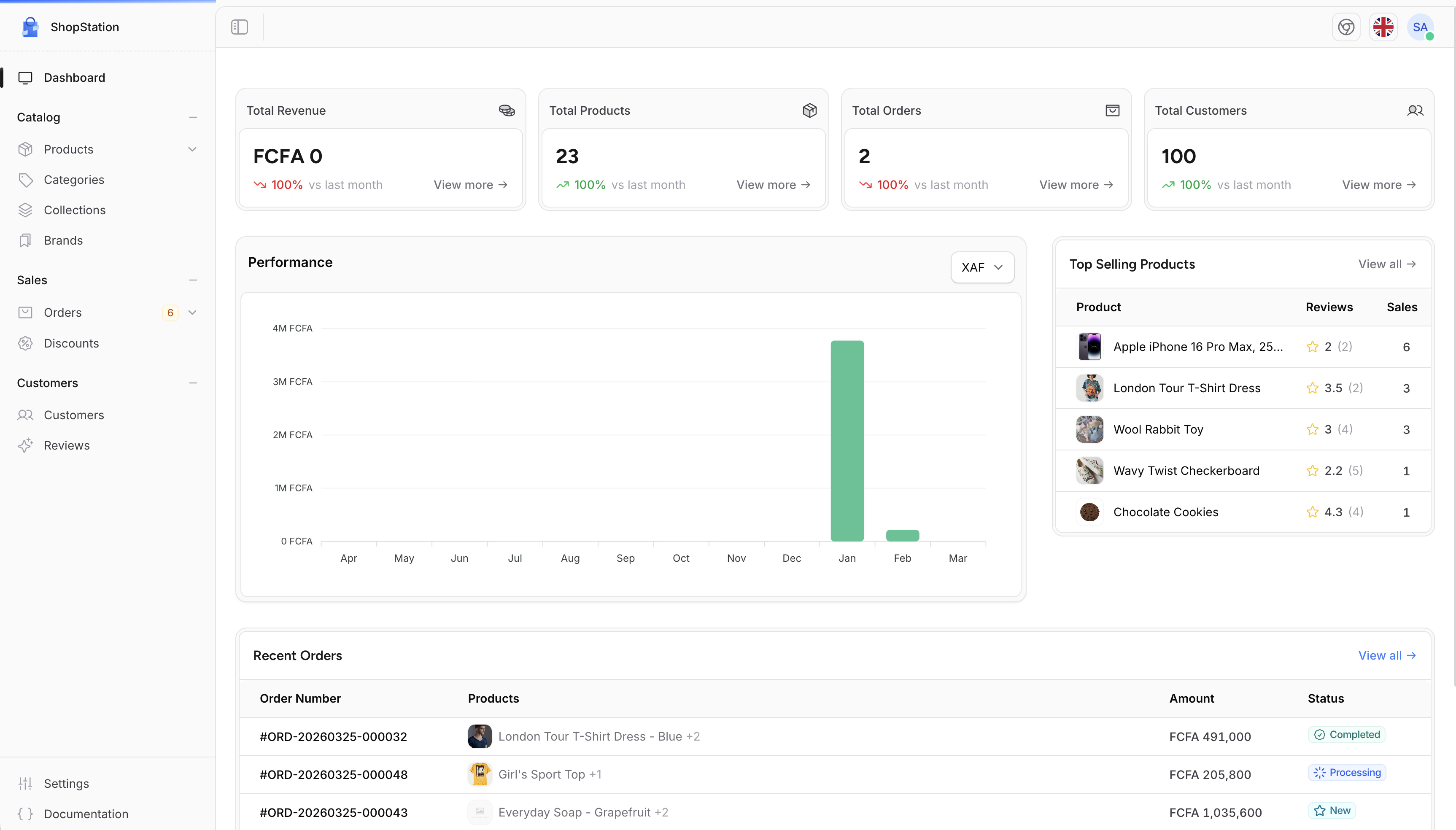
What You Can Do
Product Management
Create and manage products with variants, images, pricing, and inventory. Organize them into categories, collections, and brands.
Order Processing
Track customer orders from placement to delivery. Manage payments, shipping, and fulfillment from a single screen.
Customer Management
View customer profiles, order history, and addresses. Keep track of who is buying what.
Discounts & Promotions
Create discount codes with conditions, usage limits, and expiration dates to drive sales.
Store Settings
Configure your store name, currencies, locations, legal pages, and more.
Team Management
Add staff members, assign roles, and control who can access what in the admin panel.
Who Is This Guide For?
This User Guide is designed for store administrators and managers who use Shopper daily to manage their e-commerce operations. No technical knowledge is required. Every feature is explained with step-by-step instructions.Getting Help
If you need assistance while using Shopper:- Join the Discord community to connect with other users and the Shopper team
- Check the GitHub repository for updates and known issues