
Starter Kits vs Themes
Starter kits are not themes. The distinction matters. A theme is a runtime dependency. Your application relies on it, receives updates from it, and can switch between themes. A starter kit is scaffolding used once: the installer copies files into your project, installs dependencies, and removes itself. There is no hidden package to update, no active dependency at runtime. If you want to “switch” starter kits, you start a new project. This is by design. The trade-off is intentional: you get full ownership and freedom to customize every line of code, at the cost of not being able to swap frontends with a click.Scope
Shopper starter kits cover Laravel storefronts only: Laravel + Livewire and Laravel + Inertia.js (Vue or React within the Laravel context). Projects outside of Laravel (standalone Vue/React SPAs, Svelte, mobile apps) consume the Shopper API independently and are distributed through their own channels (GitHub, ThemeForest, Gumroad, etc.). These are not in scope for the starter kit system.Available Kits
Livewire
The Livewire Starter Kit is a full-stack Laravel storefront built with Livewire 3, Flux UI and Tailwind CSS v4. It provides reactive components for product browsing, cart management, multi-step checkout with Stripe payment, customer accounts, and multi-currency zone support. Because Shopper’s admin panel is also built with Livewire, you can reuse patterns and components across your admin and storefront.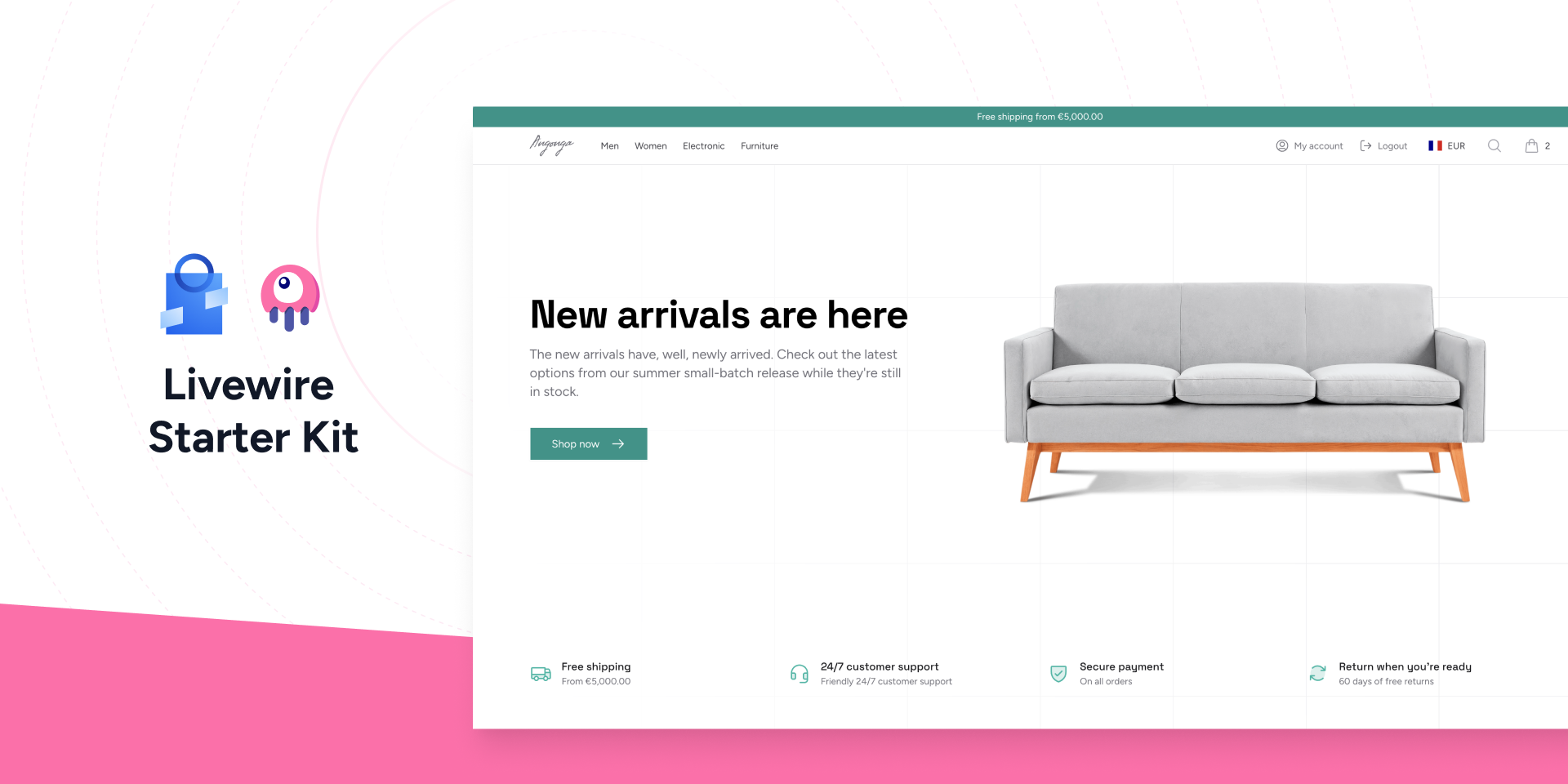
React
The React Starter Kit is an Inertia.js storefront built with React 19, shadcn/ui and Tailwind CSS v4. It keeps the full power of Laravel on the backend with no separate API layer, and is type-safe end to end through Wayfinder routes and a PHP-to-TypeScript transformer.Vue
The Vue Starter Kit is an Inertia.js storefront built with Vue 3, shadcn-vue and Tailwind CSS v4. It shares the same Laravel backend as the React kit, so the only difference is the frontend layer.The React and Vue kits share an identical backend (controllers, actions, DTOs, models, and routes). Choose the kit that matches your frontend stack; everything you read about one applies to the other.
How It Works
Theshopper:kit:install command is built into Shopper. No additional package is required. When you run it with a kit package name, the installer performs the following pipeline:
- Backup your
composer.jsonfor rollback if anything fails - Detect the kit package on Packagist, GitHub, Bitbucket, or GitLab
- Download the kit temporarily via
composer require - Read the
shopper-kit.yamlmanifest from the kit package - Validate PHP, Laravel, and Shopper version constraints
- Copy files from the kit into your project according to
export_paths - Install Composer dependencies declared in the manifest
- Run post-install commands (migrations, storage link, asset build)
- Write a
.shopper-kitstate file tracking installed files with SHA-256 hashes - Remove the kit package from your
composer.json - Clean up the backup file
The Manifest
Every starter kit contains ashopper-kit.yaml manifest at its root. This file declares everything the installer needs: metadata, version constraints, which files to copy, which dependencies to install, and what commands to run after installation.
The installer blocks certain paths for security:
.env, composer.json, composer.lock, vendor/, .git/, and node_modules/ are never copied, even if listed in export_paths.
The .shopper-kit State File
After installation, a .shopper-kit file is created at the root of your project. It records which kit was installed, its version, and the SHA-256 hash of every copied file.
Creating Your Own Starter Kit
Shopper provides a scaffolding command to create a new starter kit with the correct structure.vendor/name format), description, and author. It then creates a directory with the following structure:
shopper-kit.yaml to declare which paths should be exported. Publish your kit on Packagist or a Git repository, and anyone can install it with shopper:kit:install.
You can specify a custom directory for the kit with the --path option.