
Visit the live demo
Browse the storefront and explore the admin panel at demo.laravelshopper.dev
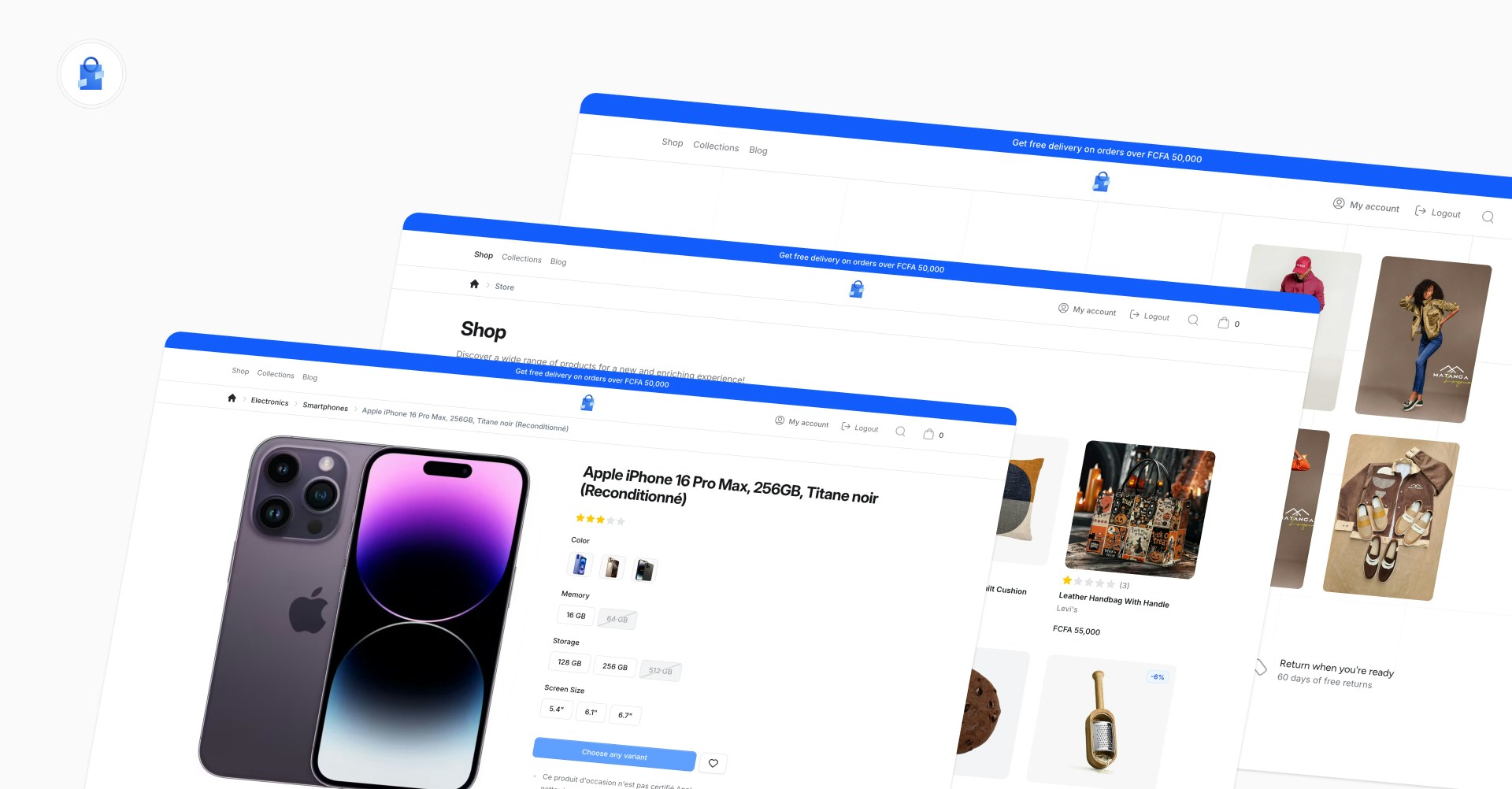
What’s Included
The demo store covers the full e-commerce experience:- Product catalog with categories, collections, attribute filtering, and search
- Product pages with variant selection, image gallery, multi-currency pricing, and reviews
- Multi-step checkout with address selection, shipping method, and payment (Stripe, NotchPay, Cash)
- Customer accounts with profile management, address book, and order history
- Blog with articles, categories, featured images, and rich content
- Multi-zone support with country-based currency switching and shipping options
- Admin panel at
/cpanelpowered by Shopper with Filament
Key Patterns
The demo is designed as a reference implementation. Here are the main patterns you can study in the codebase. Extending Shopper models with custom logic. The demo’sProduct model adds a HasProductPricing trait for multi-currency price formatting, and all catalog models (Category, Brand, Collection) are extended in app/Models/ to show how model swapping works in practice.
Multi-step checkout built with Livewire. The CheckoutWizard component orchestrates three steps (Shipping, Delivery, Payment), each as its own Livewire component under app/Livewire/Checkout/. Session state is managed through a dedicated CheckoutSession class.
Domain actions for business logic. Instead of putting logic in controllers, the demo uses Action classes in app/Actions/ for operations like CreateOrder, AddToCart, and ResolveVariantAvailability. Each action has a single responsibility and is easy to test.
Extending the admin sidebar. The demo adds a Blog section to Shopper’s admin panel through app/Sidebar/BlogSidebar.php, with custom Livewire pages for managing posts and categories under app/Livewire/Shopper/Blog/.
Multi-currency pricing via shipping zones. The ZoneSessionManager action and ZoneSelector slide-over component handle country-based currency switching. The HasProductPricing trait on the Product model formats prices based on the active zone’s currency.
Payment gateway integration with multiple providers. The checkout supports Stripe (with webhooks via StripeWebhookController), NotchPay, and Cash on Delivery, configured through config/shopper/payment.php.
Feature toggling. The demo disables the Suppliers feature in config/shopper/features.php to show that you can turn off any part of Shopper you don’t need.
Admin Panel Access
You can log in to the admin panel at/cpanel:
- Email:
admin@laravelshopper.dev - Password:
demo.Shopper@2026!
Source Code
The full source code is available on GitHub. You can clone it and run it locally to explore the codebase, modify it, or use it as a starting point for your own store.GitHub Repository
Browse the source code on GitHub