
/shopper/login. After logging in you need to fill in the required information to access the Shopper dashboard

Store customization
Global
All thoses informations is stored using the Setting Model which is located\Shopper\Core\Models\Setting
Fields
Component
Shopper is made of several Livewire components, to make the configuration easier and more adaptable to any kind of system. The component used to manage the configuration and customization of the store is found in the component configuration fileconfig/shopper/components.php.
So you can replace it and configure your store the way you want. Yes it’s magic 🎩
Retrieving setting
By default to retrieve the value of a key you can use the helper functionshopper_setting() passing the desired key as parameter
shopper-setting-{$key}
Store
When you launch your store the first important thing to do is to fill in the information about this store. Your customers and the different services you might use need to know the information about your store.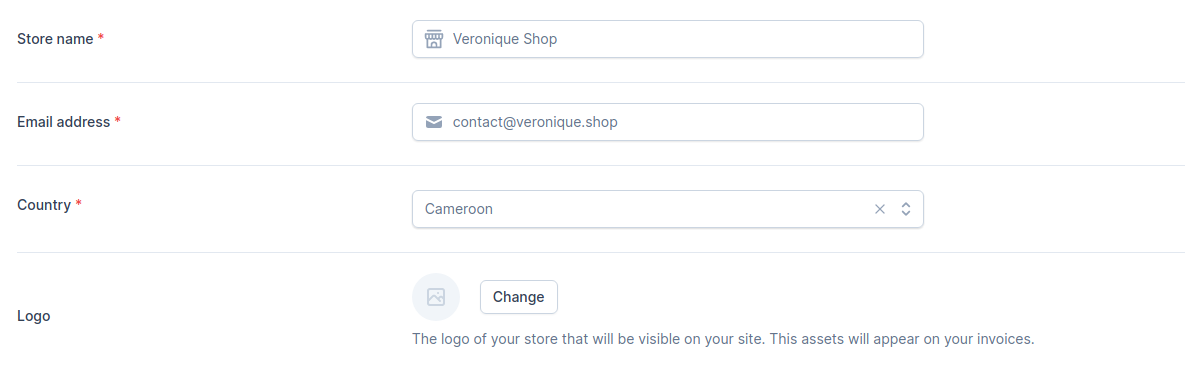
Store information
shop_name for the store name, shop_email for the email and shop_country_id for the Country.
Currency
Choose the default currency for the store. Only one may be selected.
Store currency
shopper_currency(). This will return the currency configured in your admin panel: USD, XAF, EUR, etc
Location
Most stores keep their products in different locations around the world. When setting up this configuration you need to define a location that will be set as the default location for your products. When shipping an order, the products to be delivered/shipped will start from this location and thus the shipping price can be set according to this.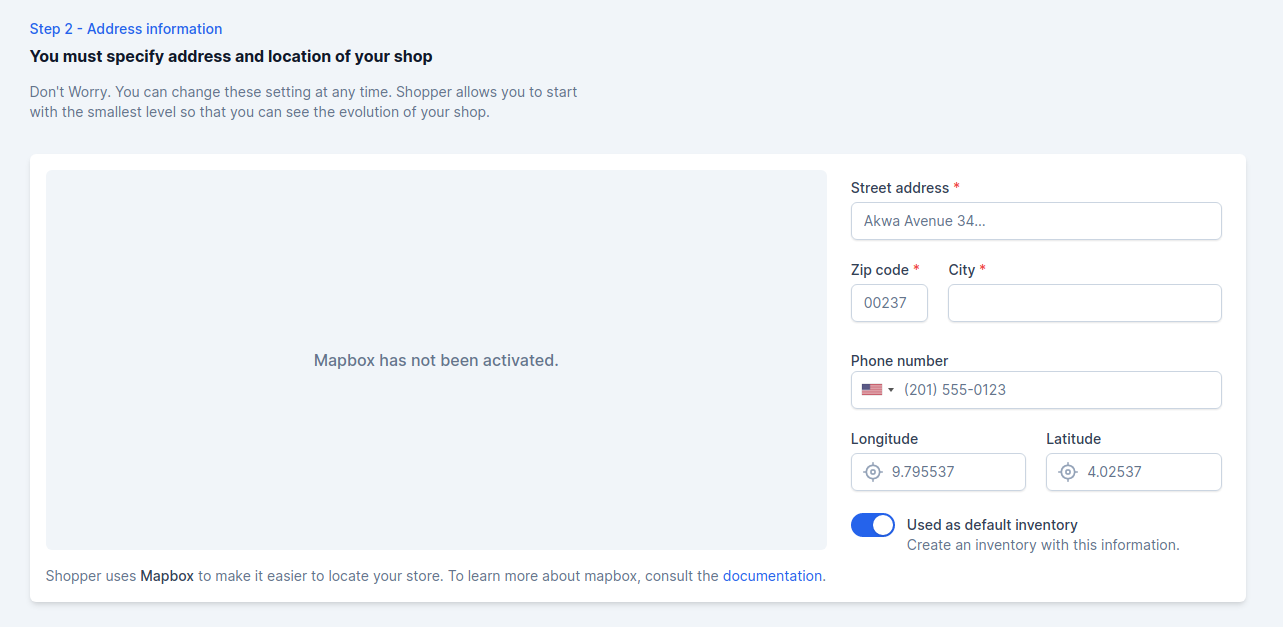
Store location address
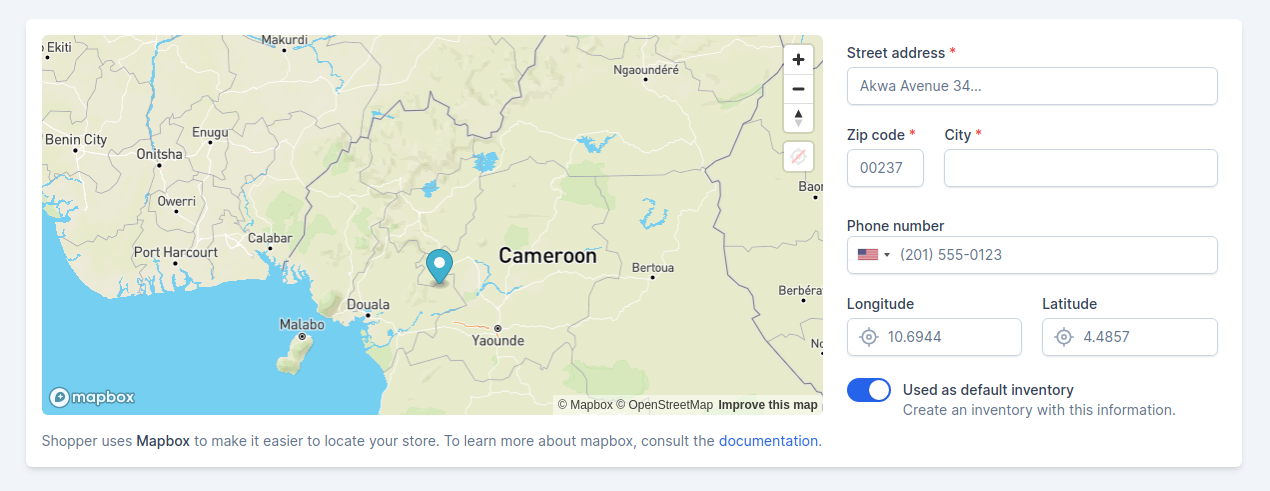
Store with enable mapbox
shop_street_address, shop_zipcode, shop_city, shop_phone_number, shop_lng and shop_lat.
Channel
In today’s E-commerce the shop site is no longer the only point of sale. Channels represent a single sales channel, which can be one of the following things:- Website
- Mobile application
- Cashier in your physical store
- Facebook shop,
- Instagram shop,
- etc
Social Links
If you want your customers to find you easily on social networks, you can fill in all the links directly by putting the full url. This step is completely optional
Store social links
shop_facebook_link, shop_instagram_link and shop_twitter_link.
Update setting
You can update your store information when needed, edit your store images, update the complete address, the legal name of your shop, etc. Shopper at the moment doesn’t manage several currencies so you must select with what currency you will sell on your site. To edit your shop information, you must:- From your administration, on the blue sidebar click on the settings icon at the bottom of the page Settings > General

Admin setting
config/shopper/components.php, It’s the Shopper\Framework\Http\Livewire\Settings\General component.
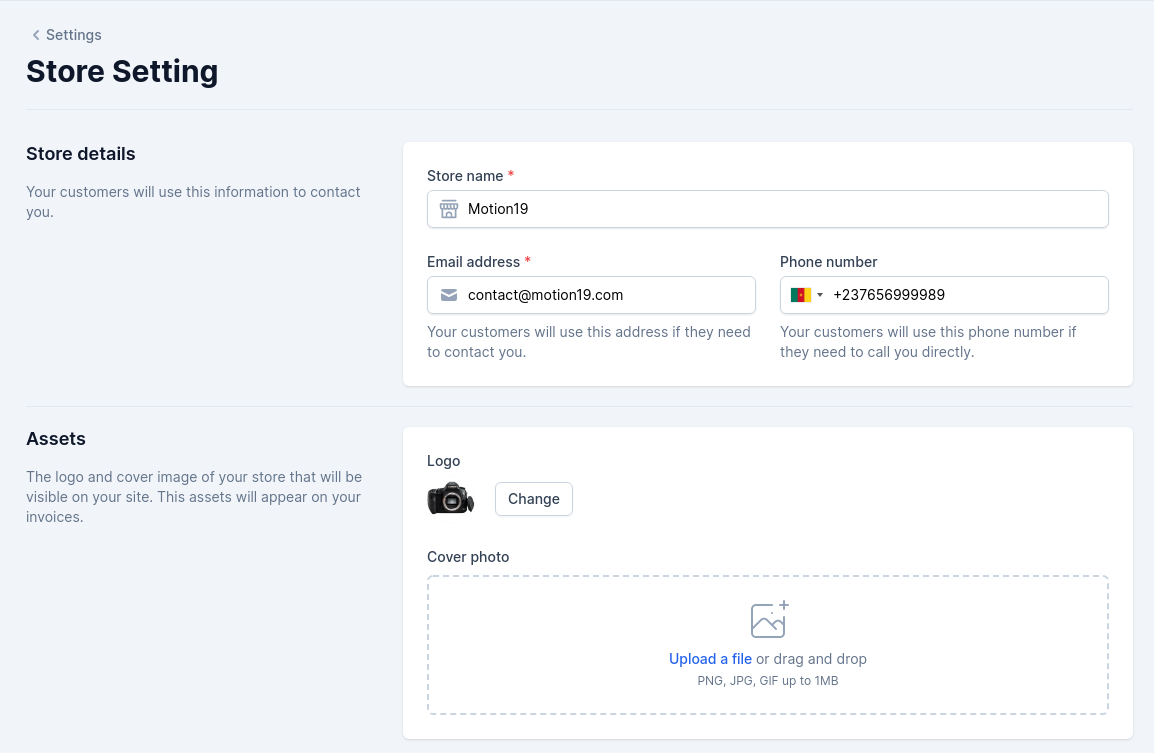
Admin update setting
Shopper\Models\Setting.
With the Shopper configuration you can completely change the architecture of this view and the data stored in the database.